


Overview
View & edit Excel in Chrome. Open .xlsx/.xls, save locally. Formulas, formats & fonts.
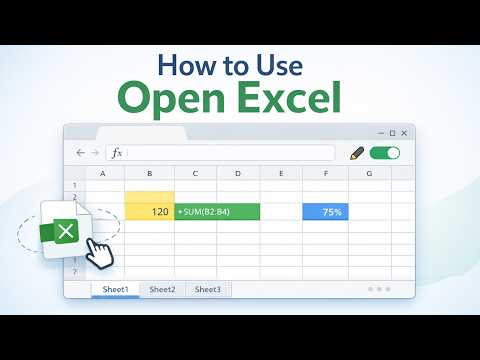
Open Excel is a fast, lightweight Excel viewer and editor for Chrome. Open .xlsx and .xls files directly in your browser—no Microsoft Excel required. Enable free editing with Google or Email OTP. ✔ What you can do ✦ Open Excel files instantly (drag & drop or select a file) ✦ View multi-sheet workbooks and zoom for comfortable reading ✦ Edit Excel inside the extension after you enable editing ✦ Save locally so your edits are available when you reopen the file from Recent ✦ Download as .xlsx or Print / Save as PDF via your browser ✦ Optionally open in Google Sheets for online editing and sharing ✍️ Enable Edit (free) Editing is available after a quick sign-in: ✦ Continue with Google ✦ Email OTP (get a code by email) Once enabled, the editor supports key spreadsheet workflows: ✦ Formulas and cell editing ✦ Fonts and basic formatting ✦ Common data formats (numbers, dates, percents, etc.) ✦ Sorting and filtering ✦ Adding images ✦ Without sign-in, you can still view, print, download, and open in Google Sheets. 🕘 Recent files (up to 10) Open Excel keeps a small list of your recently opened files for quick access. You can remove items individually or clear the list anytime. 🔒 Privacy & data ✦ Local by default: files are processed on your device in the browser. ✦ Google Sheets is optional: if you choose “Open in Google Sheets”, the file is uploaded only to your own Google Drive to create a Google Sheet. ✦ We store minimal local settings to display the right UI language. 🛠 How it works 1️⃣ Click the Open Excel icon 2️⃣ Drag & drop an Excel file (or select it) 3️⃣ View or enable edit (Google / Email OTP) 4️⃣Save locally, download .xlsx, print / save as PDF, or open in Google Sheets 🚀 Try it now and make viewing and editing Excel files easier!
Details
- Version2.0.1
- UpdatedApril 26, 2026
- Size47.66MiB
- Languages30 languages
- DeveloperAleksandr HeinlaidWebsite
ASUNDUSE TN 4-12, TALLINN, Harjumaa 11416 EEEmail
alx.hnld@gmail.comPhone
+372 5624 3029 - TraderThis developer has identified itself as a trader per the definition from the European Union and committed to only offer products or services that comply with EU laws.
Privacy

Open Excel has disclosed the following information regarding the collection and usage of your data. More detailed information can be found in the developer's privacy policy .
Open Excel handles the following:
This developer declares that your data is
- Not being sold to third parties, outside of the approved use cases
- Not being used or transferred for purposes that are unrelated to the item's core functionality
- Not being used or transferred to determine creditworthiness or for lending purposes


