

Build with Gemini
Unlock AI models to build innovative apps and transform development workflows with tools across platforms.

The fastest path from prompt to production app with Gemini.
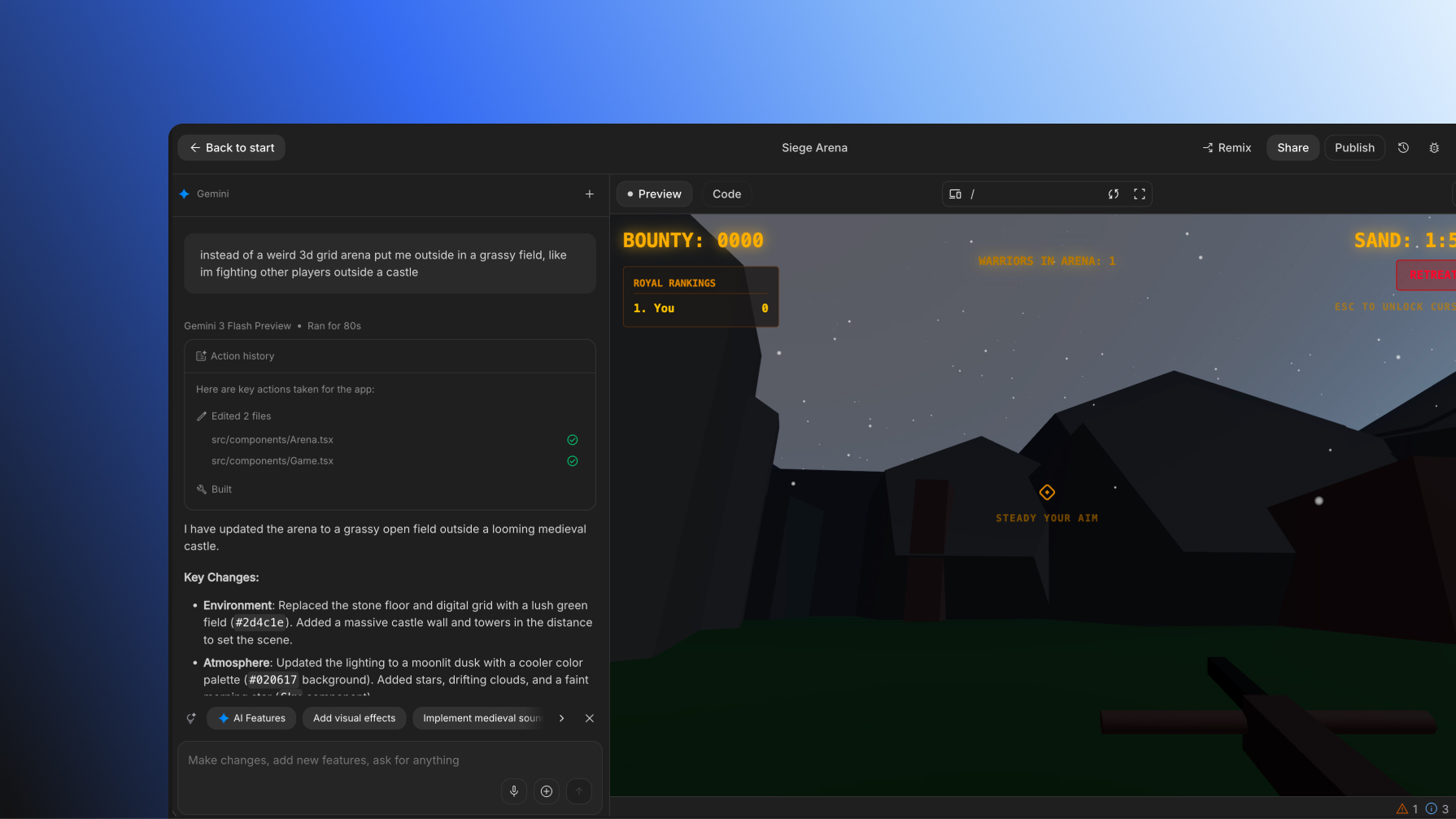
Go from prompt to app
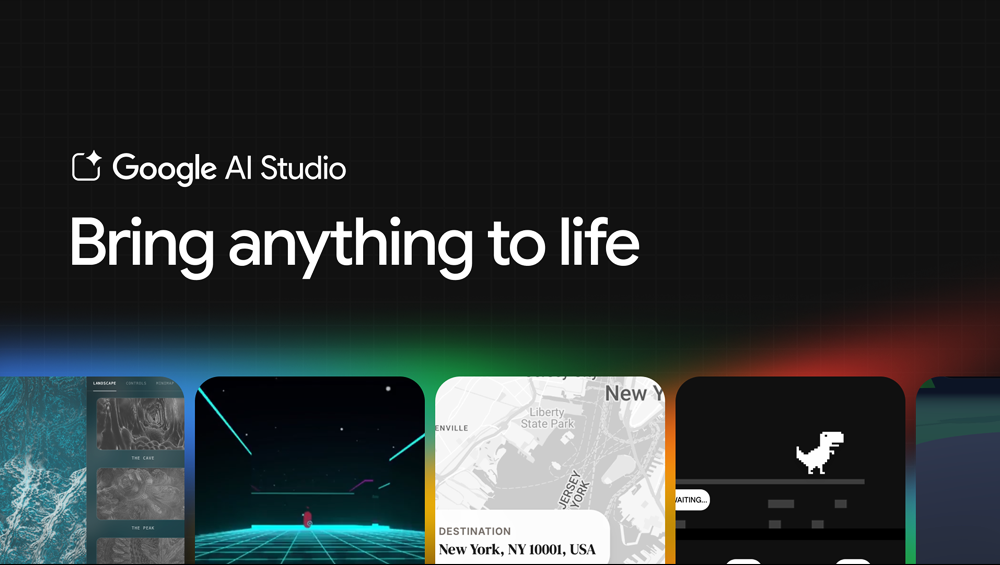
Google AI Studio is the fastest path prompt to app with Gemini. Use natural language to generate production ready full-stack apps with AI features using the Gemini API.

Experience our agent-first platform built for the next era of how you build, work, and automate.
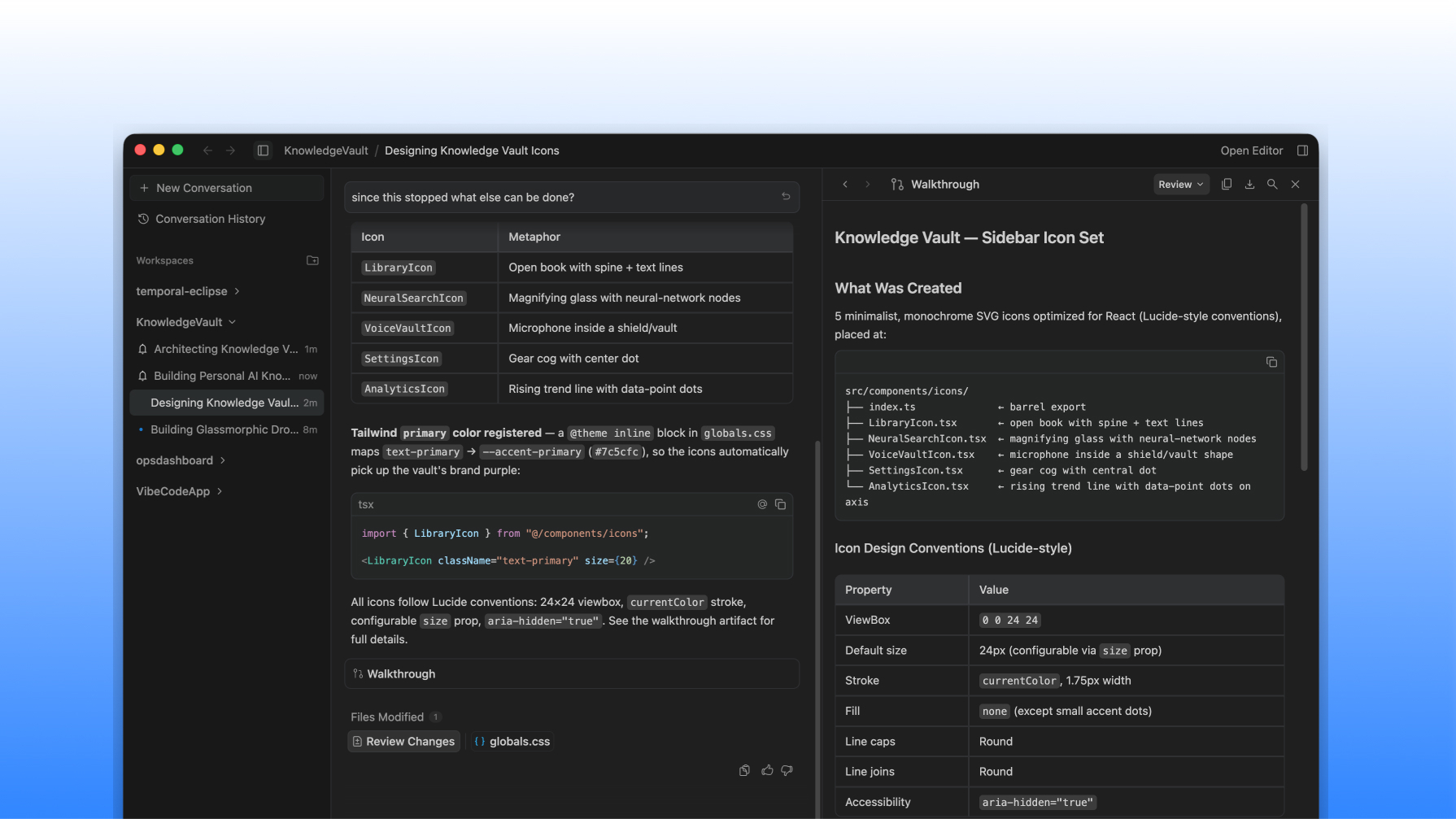
Develop with agents
Google Antigravity is our agent-first platform that's co-optimized with Gemini models. It gives every builder a dedicated mission control to work alongside, steer, and customize agents to operate autonomously in the background across a standalone desktop app and CLI.

Build and scale your apps without needing to manage the infrastructure with Google Cloud Run.

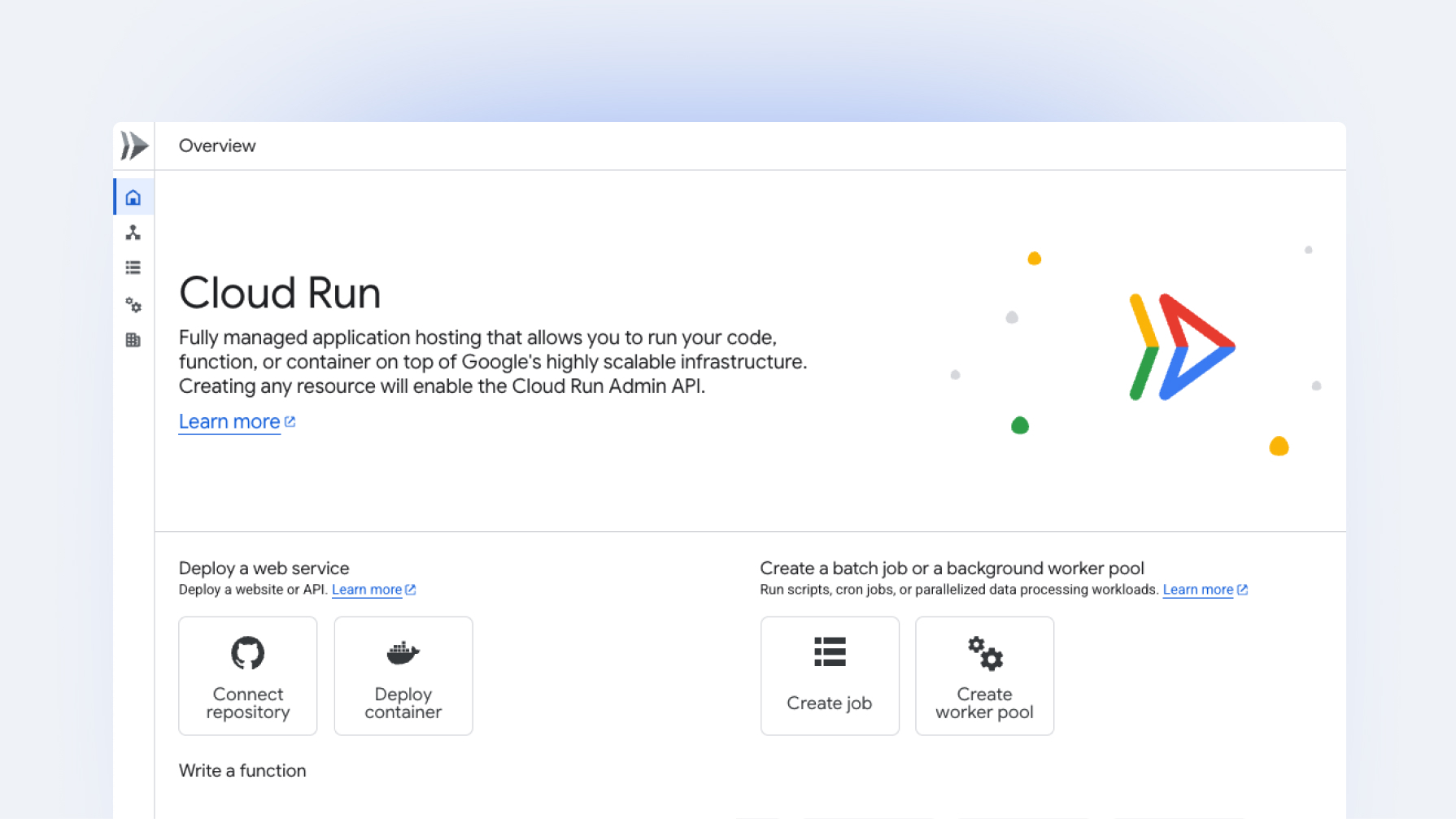
Deploy and host your apps on Google Cloud Run
Cloud Run is a fully managed platform that handles infrastructure management for you and automatically scales, so you only pay for what you use for your AI apps and agents.

Build high-quality Android apps faster with Gemini in Android Studio.

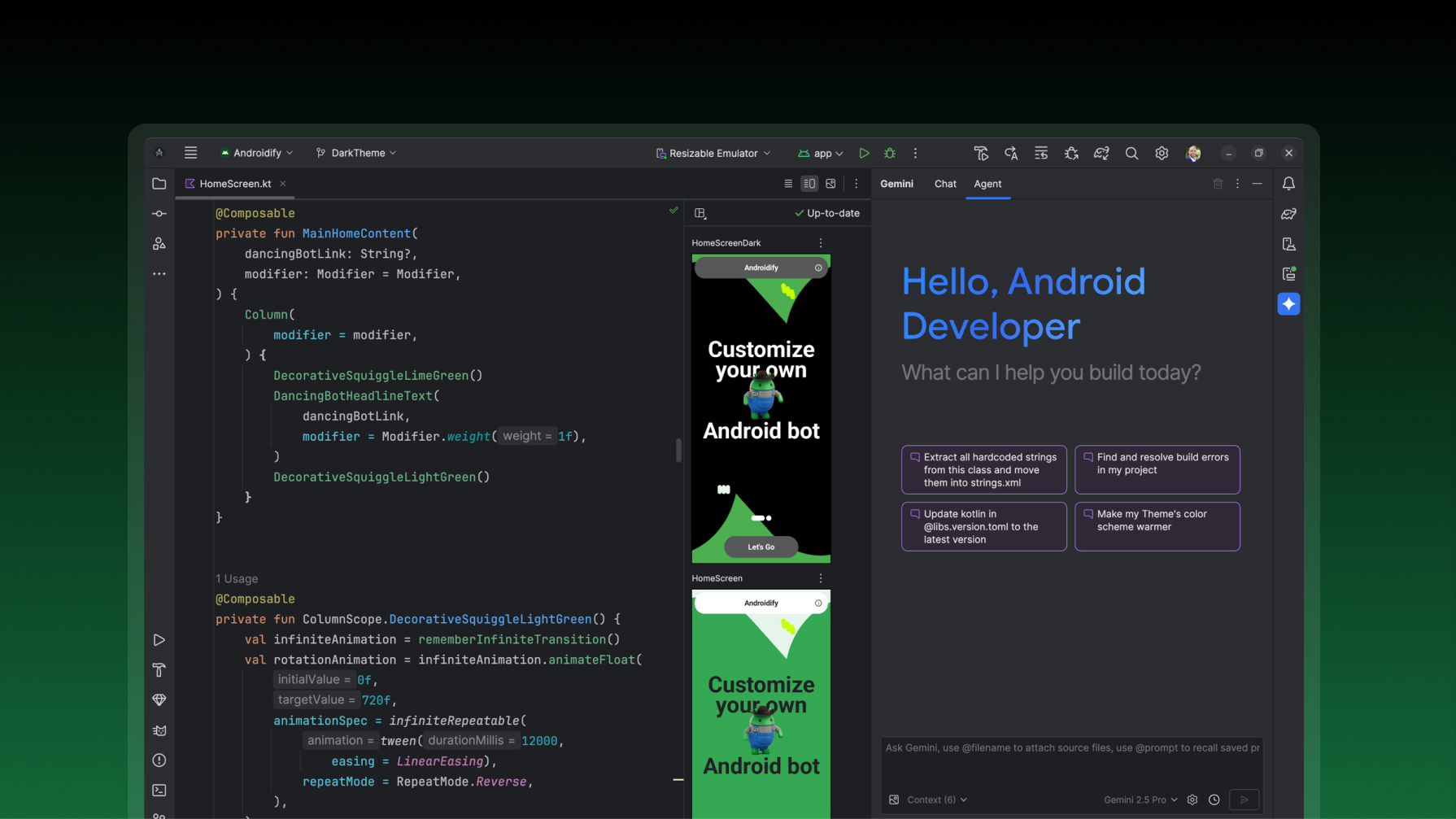
Create Android apps
Gemini in Android Studio, your AI agent for Android development, helps at every stage of your development lifecycle, enabling you to ship faster.

Develop next-generation apps and agents by integrating Google's most advanced reasoning and generative models and agent-first APIs.
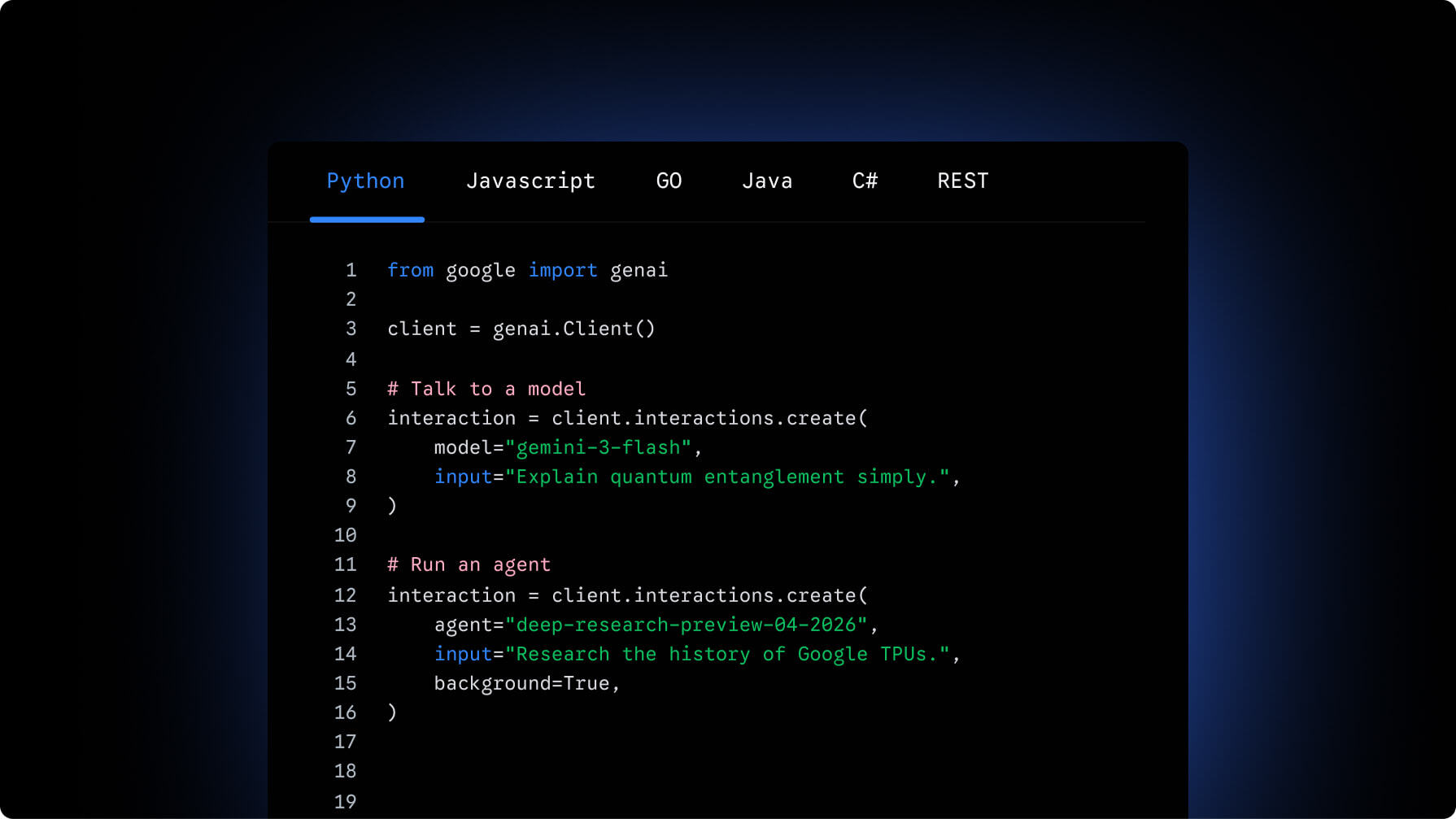
Build apps and agents with Gemini models
Gemini API gives you access to a robust agent development platform along with cost-effective, state-of-the-art models capable of advanced reasoning, native media generation, and complex agentic workflows.

Discover how your web applications can perform AI tasks with browser-managed AI models and APIs.

Develop AI web features
Chrome's AI capabilities, such as built-in AI, WebMCP, and AI assistance in Chrome DevTools, helps you build, optimize, and debug web applications.

Build, scale, govern, and optimize enterprise agents.

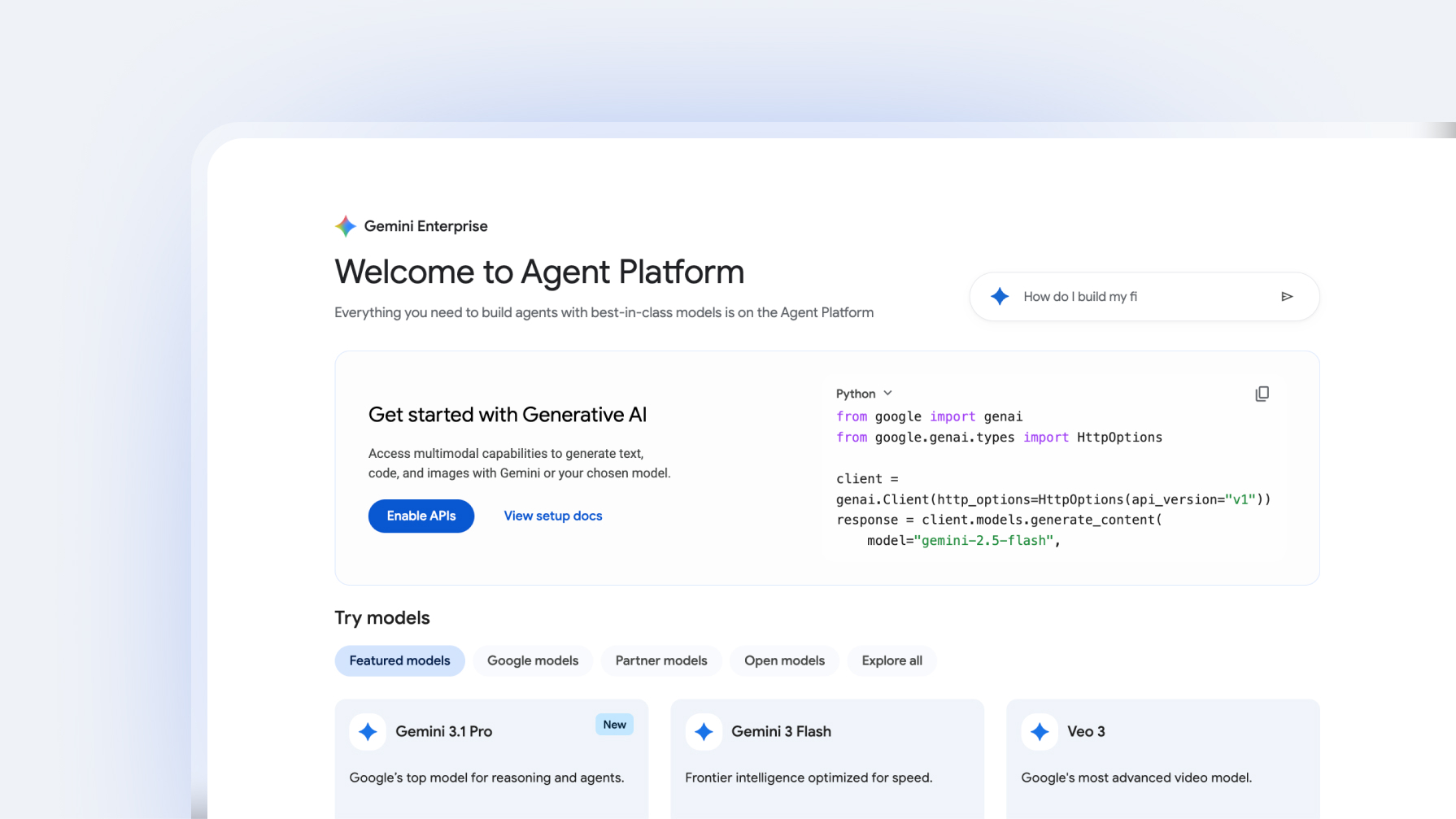
Build agents for enterprise
Gemini Enterprise Agent Platform is an open platform for enterprises to build, scale, govern and optimize reliable intelligent agents at global scale.
Integrate Gemini directly into your apps
Unleash the full potential of your applications by integrating Gemini's long context window and native multimodal reasoning to process massive codebases, complex media, and real-time agentic workflows with a single API.
View documentation from
google
import
genai
client
=
genai
.
Client
()
response
=
client
.
models
.
generate_content
(
model
=
"gemini-3.5-flash"
,
contents
=
"Explain how AI works in a few words"
,
)
print
(
response
.
text
)
  import

 {

 GoogleGenAI

 }

 from

 "@google/genai"
 ;
 const

 ai

 =

 new

 GoogleGenAI
 ({});
 async

 function

 main
 ()

 {

 const

 response

 =

 await

 ai
 .
 models
 .
 generateContent
 ({

 model
 :

 "gemini-3.5-flash"
 ,

 contents
 :

 "Explain how AI works in a few words"
 ,

 });

 console
 .
 log
 (
 response
 .
 text
 );
 }
 await

 main
 ();
  package

 main
 import

 (

 "context"

 "fmt"

 "log"

 "google.golang.org/genai"
 )
 func

 main
 ()

 {

 ctx

 :=

 context
 .
 Background
 ()

 client
 ,

 err

 :=

 genai
 .
 NewClient
 (
 ctx
 ,

 nil
 )

 if

 err

 !=

 nil

 {

 log
 .
 Fatal
 (
 err
 )

 }

 result
 ,

 err

 :=

 client
 .
 Models
 .
 GenerateContent
 (

 ctx
 ,

 "gemini-3.5-flash"
 ,

 genai
 .
 Text
 (
 "Explain how AI works in a few words"
 ),

 nil
 ,

 )

 if

 err

 !=

 nil

 {

 log
 .
 Fatal
 (
 err
 )

 }

 fmt
 .
 Println
 (
 result
 .
 Text
 ())
 }
  package

 com.example
 ;
 import

 com.google.genai.Client
 ;
 import

 com.google.genai.types.GenerateContentResponse
 ;
 public

 class
 GenerateTextFromTextInput

 {

 public

 static

 void

 main
 (
 String
 []

 args
 )

 {

 Client

 client

 =

 new

 Client
 ();

 GenerateContentResponse

 response

 =

 client
 .
 models
 .
 generateContent
 (

 "gemini-3.5-flash"
 ,

 "Explain how AI works in a few words"
 ,

 null
 );

 System
 .
 out
 .
 println
 (
 response
 .
 text
 ());

 }
 }
 curl
 "https://generativelanguage.googleapis.com/v1beta/models/gemini-3-5-flash:generateContent"

 \

-H
 "x-goog-api-key:
 $GEMINI_API_KEY
 "

 \

-H
 'Content-Type: application/json'

 \

-X
POST
 \

-d
 '{
 "contents": [
 {
 "parts": [
 {
 "text": "Explain how AI works in a few words"
 }
 ]
 }
 ]
 }'
News & Announcements
Read 17 key announcements for Android developers, focusing on agent-led productivity and more.
Learn more
Community & Events
Google I/O
Tune in to the livestreamed keynotes and sessions, then dive into technical content and learning material.
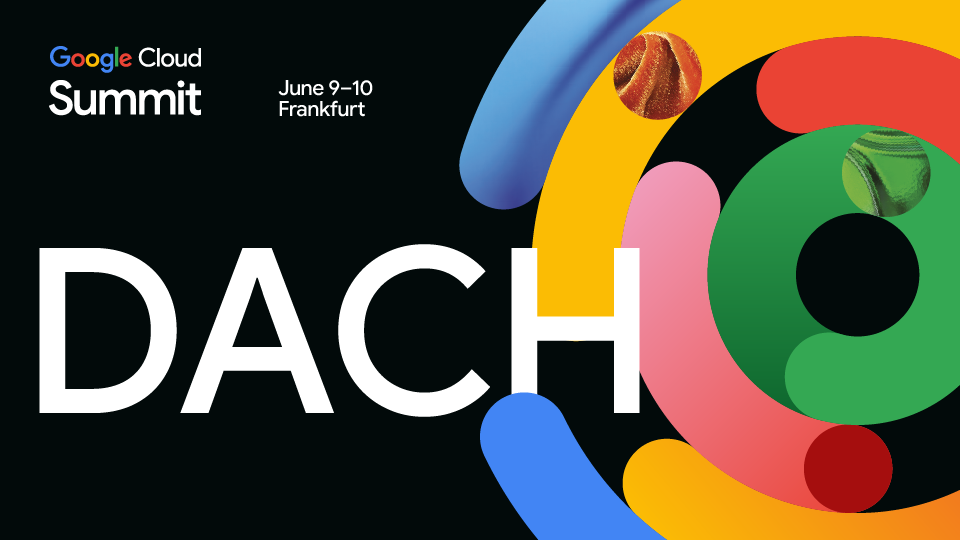
Google Cloud Summit DACH
Two days to move beyond the hype and build real solutions. Expect hands-on labs, live builds, and tech breakouts with Google Cloud engineers.
I/O Connect India
Dive into the best from Google I/O. Explore the latest across Android, AI, Chrome, and Cloud, and put what you've learned to work in your everyday projects.

Build and manage in one place
Access specialized AI workspaces, learn from 700+ hands-on codelabs, and manage projects from a centralized Builders Hub as you move from prototype to production.
Join the program