

Perform a Three-Way Account Link
Further Account Linking Guidance
Once a merchant has accepted the OAuth scope, an access & refresh token is
generated for the merchant. If the MCA refresh token has been stored, an API
request can be made using accounts.link
with an AccountsLinkRequest
object. The action should be " request".
Conversely, an API request then can be made immediately after using the subaccount's token , with an AccountsLinkRequest object. The action type should be " approved". This enables a streamlined account linking workflow for your merchants joining your platform.
Perform a Three-Way Account Link
Assume you have the following example accounts:
| Account | Purpose |
|---|---|
| 111111111 | MCA Account |
| 2222222 | Other Subaccount |
| 3333333 | New Onboarding Account |
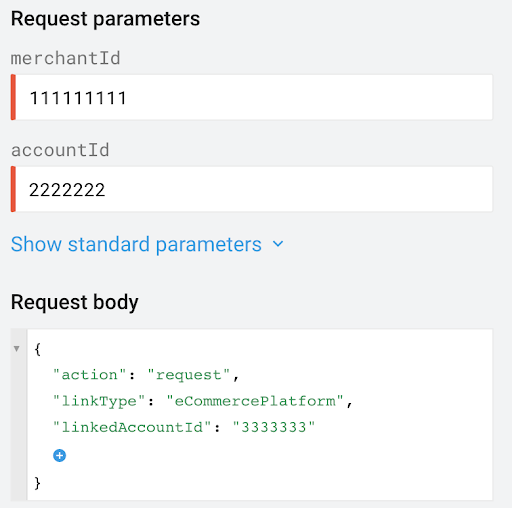
The account.link resource for LINK REQUESTwould have the following for its parameters:
| Parameter | Value |
|---|---|
| merchantID | 111111111 |
| accountID | 2222222 |
And the AccountLinkRequest bodywould have the following properties:
| Property | Value |
|---|---|
| linkType | eCommercePlatform |
| linkedAccountId | 3333333 |
| action | request |
Conversely, the account.link resource for LINK APPROVEwould have the following for its parameters:
| Parameter | Value |
|---|---|
| merchantID | 3333333 |
| accountID | 3333333 |
And the AccountLinkRequest bodywould have the following properties:
| Property | Value |
|---|---|
| linkType | eCommercePlatform |
| linkedAccountId | 2222222 |
| action | approve |
| eCommercePlatformLinkInfo.externalAccountId | your external identifier for the customer |
| services | shoppingAdsProductManagement |

