
You can pay with Google Wallet wherever you find the contactless or Google Pay symbols on the payment terminal screen or cash register.
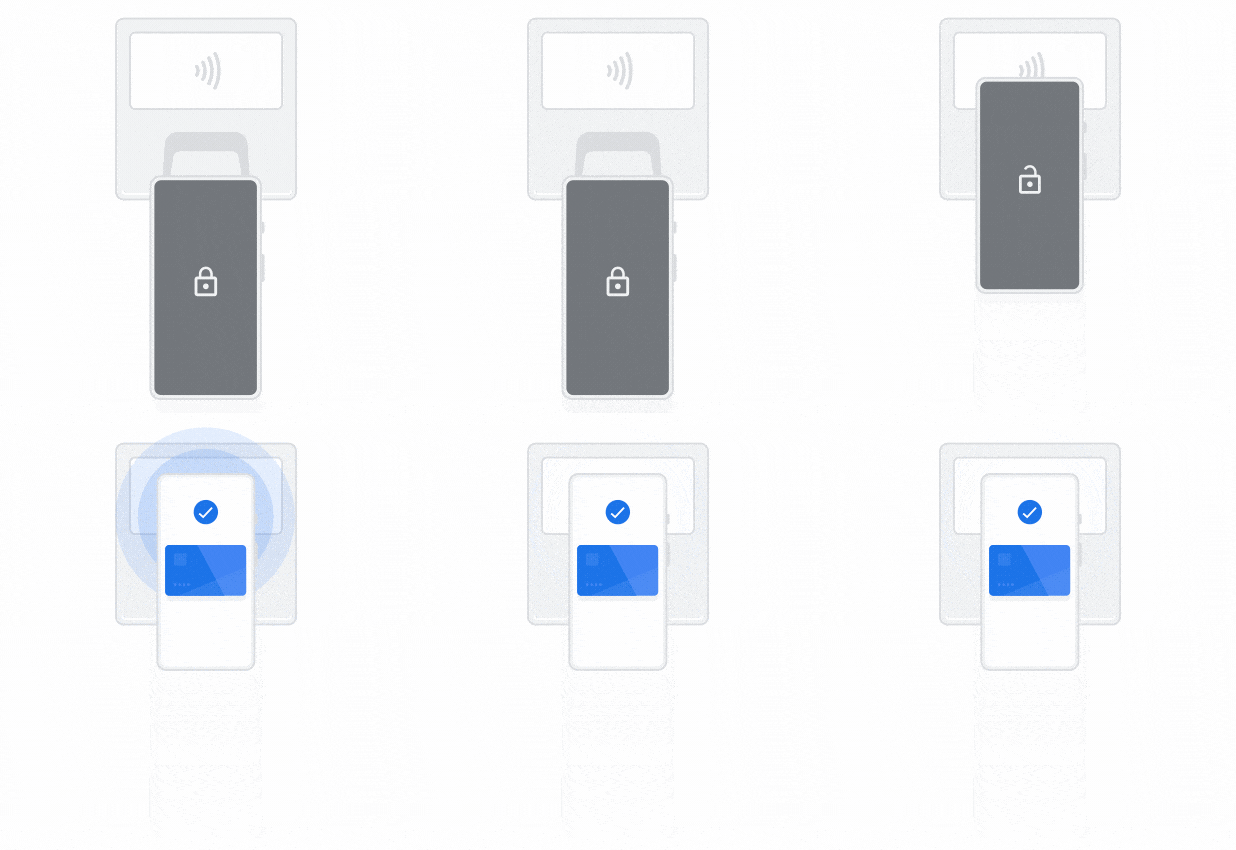
- Turn on your screen, then unlock your phone. You don’t need to open the Google Wallet app.
- Hold the back of your phone to the payment reader.
- If prompted for a PIN or signature, follow the on-screen instructions.
Remove your phone from the reader when you see a blue check mark.
