Overview
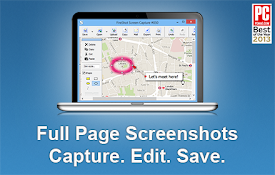
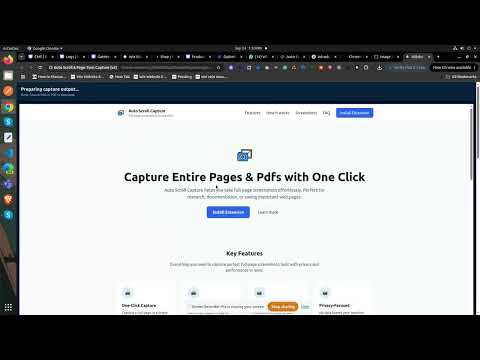
Auto-scroll or auto page-turn to capture full pages or eBooks, export as PNG, JPEG, or PDF.
Do Auto Scroll with screen shot and merge them together.
Details
- Version2.0.2
- UpdatedOctober 8, 2025
- Offered byharishsharma135106
- Size703KiB
- LanguagesEnglish
- DeveloperHarish Sharma
Bagowal Colony, Mukerian Mukerian,Hoshiarpur Mukerian, Punjab 144211 INEmail
Harishsharma135106@gmail.comPhone
+91 62806 13525 - TraderThis developer has identified itself as a trader per the definition from the European Union and committed to only offer products or services that comply with EU laws.
Privacy

Manage extensions and learn how they're being used in your organization
The developer has disclosed that it will not collect or use your data. To learn more, see the developer’s privacy policy
.
This developer declares that your data is
- Not being sold to third parties, outside of the approved use cases
- Not being used or transferred for purposes that are unrelated to the item's core functionality
- Not being used or transferred to determine creditworthiness or for lending purposes
Support
For help with questions, suggestions, or problems, visit the developer's support site