


Overview
Screen Recording with Simple Setup
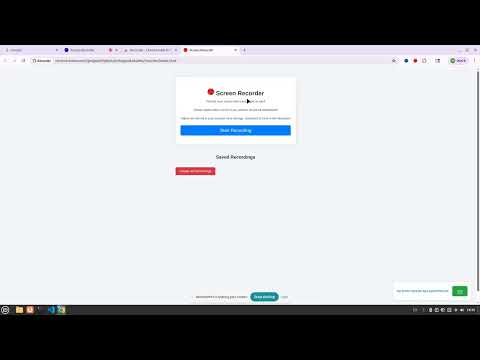
Screen Recorder - Simply Save Screen Share Description: Record your screen with simple clicks. Perfect for content creators, educators, and professionals who want to create engaging video content. This version is free version, for face mesh feature use pro version https://chromewebstore.google.com/detail/recorderpro/aghdckagfpohppcooliibdcicakcahnm Key Features: - High-quality screen recording with audio capture - Instant video preview and playback - Easy one-click recording start/stop - Built-in recording management system - Local storage for your recordings - Zero server uploads - all data stays on your device Perfect for: - Creating tutorial videos - Recording presentations - Educational content - Video demonstrations - Live coding sessions - Gaming content - Virtual meetings - Personalized video messages Privacy & Security: - No account required - All recordings stored locally - No data uploaded to external servers - Works offline - Requires only screen and microphone permissions Technical Requirements: - Google Chrome browser - Microphone for audio recording (optional) Free to use, no ads, no hidden costs. Start creating professional-looking videos today!
Details
- Version1.4
- UpdatedJune 23, 2025
- Size63.71KiB
- LanguagesEnglish
- DeveloperLessonTime AI LLCWebsite
9059 Technology Dr Fishers, IN 46038-2828 USEmail
info@lessontime.aiPhone
+1 765-476-3442 - TraderThis developer has identified itself as a trader per the definition from the European Union and committed to only offer products or services that comply with EU laws.
- D-U-N-S128430186
Privacy

This developer declares that your data is
- Not being sold to third parties, outside of the approved use cases
- Not being used or transferred for purposes that are unrelated to the item's core functionality
- Not being used or transferred to determine creditworthiness or for lending purposes


