



PR
Calendar
Keyword Search
▼キーワード検索
Comments
2013/03/04

カテゴリ: デジモノ
初めてDSD音源を購入しました。
ototoyで購入したのは↓
DSD fu live recording
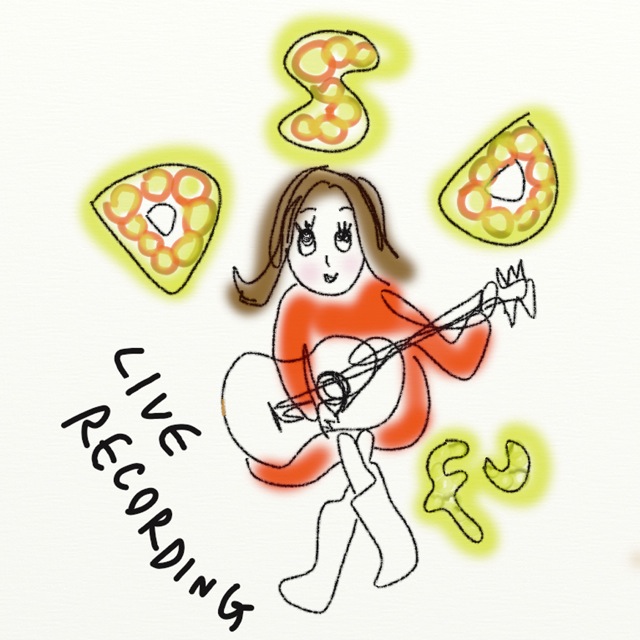
5曲で1,000円です。
DSDだけでなくWAV、MP3もセットでダウンロードできます。
DSDをAudirvana Plusで再生するため、iTunesに登録します。
■Audirvana PlusからiTunesにDSDを登録する方法
1.メニューの“Add files to iTunes”をクリック
2. “1. Select the tracks to add to iTunes”
“+”をクリックし、登録するDSDのフォルダを開く
“Proxy only No Sound” を選択
“DSD converted PCM files sample rate:”
USB DACに合わせたサンプル・レートを選択
4.“3. Select the location of the proxy files:”
デフォルトのまま
5.“4. Launch the creation process”
“start”をクリックすると取込み開始
登録するとタイトル、アーティスト、アルバムアートがついて
iTunesに表示されました。
ただし、トラックNoがなかったので、iTunesで編集しました。
私のUSB DACは、DSD対応ではないので、PCMに変換して再生し
DSDネイティブではなくPCMだからだと思います^^;
「DSD fu live recording」の感想は、
アコギ1本の曲に聞き入りました。
ギターの音が清々しく響き、Rie fu独自の世界観が表現されよかったです。
ただし、曲数が少ないので物足りなかったです。
ototoyで購入したのは↓
DSD fu live recording
5曲で1,000円です。
DSDだけでなくWAV、MP3もセットでダウンロードできます。
DSDをAudirvana Plusで再生するため、iTunesに登録します。
■Audirvana PlusからiTunesにDSDを登録する方法
1.メニューの“Add files to iTunes”をクリック
2. “1. Select the tracks to add to iTunes”
“+”をクリックし、登録するDSDのフォルダを開く
“Proxy only No Sound” を選択
“DSD converted PCM files sample rate:”
USB DACに合わせたサンプル・レートを選択
4.“3. Select the location of the proxy files:”
デフォルトのまま
5.“4. Launch the creation process”
“start”をクリックすると取込み開始
登録するとタイトル、アーティスト、アルバムアートがついて
iTunesに表示されました。
ただし、トラックNoがなかったので、iTunesで編集しました。
私のUSB DACは、DSD対応ではないので、PCMに変換して再生し
DSDネイティブではなくPCMだからだと思います^^;
「DSD fu live recording」の感想は、
アコギ1本の曲に聞き入りました。
ギターの音が清々しく響き、Rie fu独自の世界観が表現されよかったです。
ただし、曲数が少ないので物足りなかったです。
お気に入りの記事を「いいね!」で応援しよう

[デジモノ] カテゴリの最新記事
-
OpenMTP 問題の原因が判明? 2026/08/03
-
ポケポケ 「天空の支配者」 メガレックウ… 2026/08/02
-
ポケポケ 「天空の支配者」40パック開封結… 2026/08/01


【毎日開催】
15記事にいいね!で1ポイント


© Rakuten Group, Inc.
