



簡単、マーキー
初心者向けのマーキーです
ここに表示されているタグはコピペでは使えませんので正式なタグの<と>に変換してご利用ください。
1:
[marquee]一番簡単なマーキーです[/marquee]
2:
[marquee bgcolor="#ccff99"]背景色をつけたマーキー[/marquee]
3:
[marquee width="500"]移動距離を指定して[/marquee]
4:
[marquee width="500" bgcolor="#ccff99"]移動距離と背景色を指定して[/marquee]
5:
[marquee direction="right"]移動方向を右にして[/marquee]
6:
[marquee behavior="alternate"]移動を左右に繰り返して[/marquee]
7:
[marquee direction="down" height="150"]移動を上から下へ[/marquee]
今までの説明は移動ピクセル(scrollamount)を指定していませんから、自動的にscrollamount="6"で動いています。scrollamountは1から大きくなるにしたがって速くなります。
マーキーのこんな使い方
welcome to my home page
[table border="0" cellspacing="0" align="center"][tr][td][marquee width="60" height="50"][marquee direction="left" width="20" height="50" bgcolor="#eeffff"][/marquee][marquee direction="left" width="20" height="50" bgcolor="#ccffff"][/marquee][marquee direction="left" width="20" height="50" bgcolor="#aaffff"][/marquee][/marquee][font color="#ffffff" style="font-size:50px; background-color:#9900ff;"]welcome to my home page[/font][marquee direction ="right" width="60" height="50"][marquee direction="right" width="20" height="50" bgcolor="#aaffff"][/marquee][marquee direction="right" width="20" height="50" bgcolor="#ccffff"][/marquee][marquee direction="right" width="20" height="50" bgcolor="#eeffff"][/marquee][/marquee][/td][/tr][/table]
点滅マーキー
[table style="border:20px ridge #9900ff;" cellspacing="1" align="center" bgcolor="#ddffff"][tr height="50"][td width="600" align="center" bgcolor="#000077"][marquee width="550" scrollamount="500" scrolldelay="1000"][font style="font-size:40px;" color="#ff0077"]ここにページタイトルを書く[/font][/marquee][/td][/tr][/table]
注意:ページタイトルの文字の長さに合わせて[marquee width="***"]の数字を変えないとうまく表示されない場合があります。
[table border="0" cellspacing="0" align="center"][tr height="200"][td width="200"][div style="width:100%; height:100%; border:5px solid #ff00ff; background-color:#000033;"][marquee behavior="alternate" width="200" scrollamount="5"][marquee behavior="alternate" width="30" height="200" scrollamount="6" direction="up"][marquee width="30" scrollamount="30" scrolldelay="800"][font size="6" color="#ff0055"]O[/font][/marquee][/marquee][/marquee][/div][/td][/tr][/table]
お好きな箇所に使用して下さい。
| 自由欄 |
|
自由欄 |
タグです、変換してご利用下さい
[table border="0" cellspacing="5" align="center" bgcolor="#ff7700"][tr height="65"][td width="150" align="center"][div style="width:90%; height:100%; border:1px solid #000000;"][br/]自由欄[/div][/td][td width="350" align="center"][div style="width:100%; height:100%; background-color:#000039; background-image:url(http://*******************.gif); background-repeat:no-repeat; background-position:right;"][marquee behavior="alternate" scrollamount="2" vspace="20"][marquee behavior="alternate" width="250" scrollamount="2"][font style="background-color:#ff5500;" color="#ffffff" size="4"]楽天の部屋[/font][/marquee][/marquee][/div][/td][/td][td width="150" align="center"][div style="width:90%; height:100%; border:1px solid #000000;"][br/]自由欄[/div][/td][/tr][/table]
画像はるーとWEBさんからお借り下さい(TOPページにバナーがあります)
上のタグです、変換してご利用下さい。お好きな様に変えて結構です。
[table width="650" border="0" cellspacing="10" align="center" bgcolor="#ffddff" style="border:1px solid #ff0000;"][tr height="50"][td width="150" align="center" style="border:10px ridge #ff5500;"][marquee behavior="alternate" scrollamount="2"][font color="#ff3300"]ようこそ楽天の部屋へ[/font][/marquee][/td][td width="500" align="center"][div style="border:solid #ff0000; border-width:5px 0 5px 0; width:100%; height:95%;"][marquee width="500" scrollamount="2"][br/][font color="#0022ff"]ここにお好きな文章を書きます!![/font][/marquee][/div][/td][/tr][/table]
ジャンル別一覧


人気のクチコミテーマ
-
-
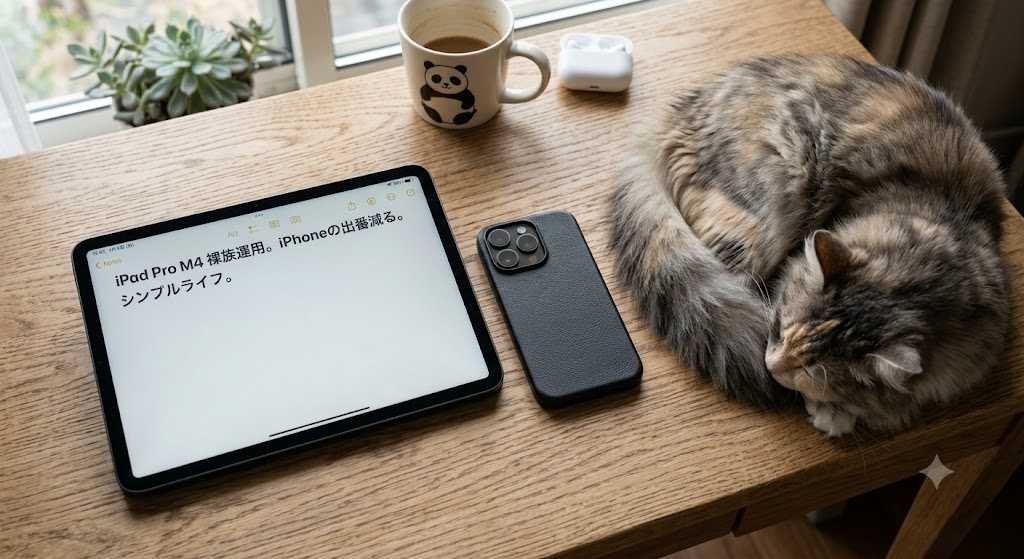
- iPad
- 【ミニマリズム】iPhoneを「通信専用…
- (2026-06-25 19:00:46)
-
-
-
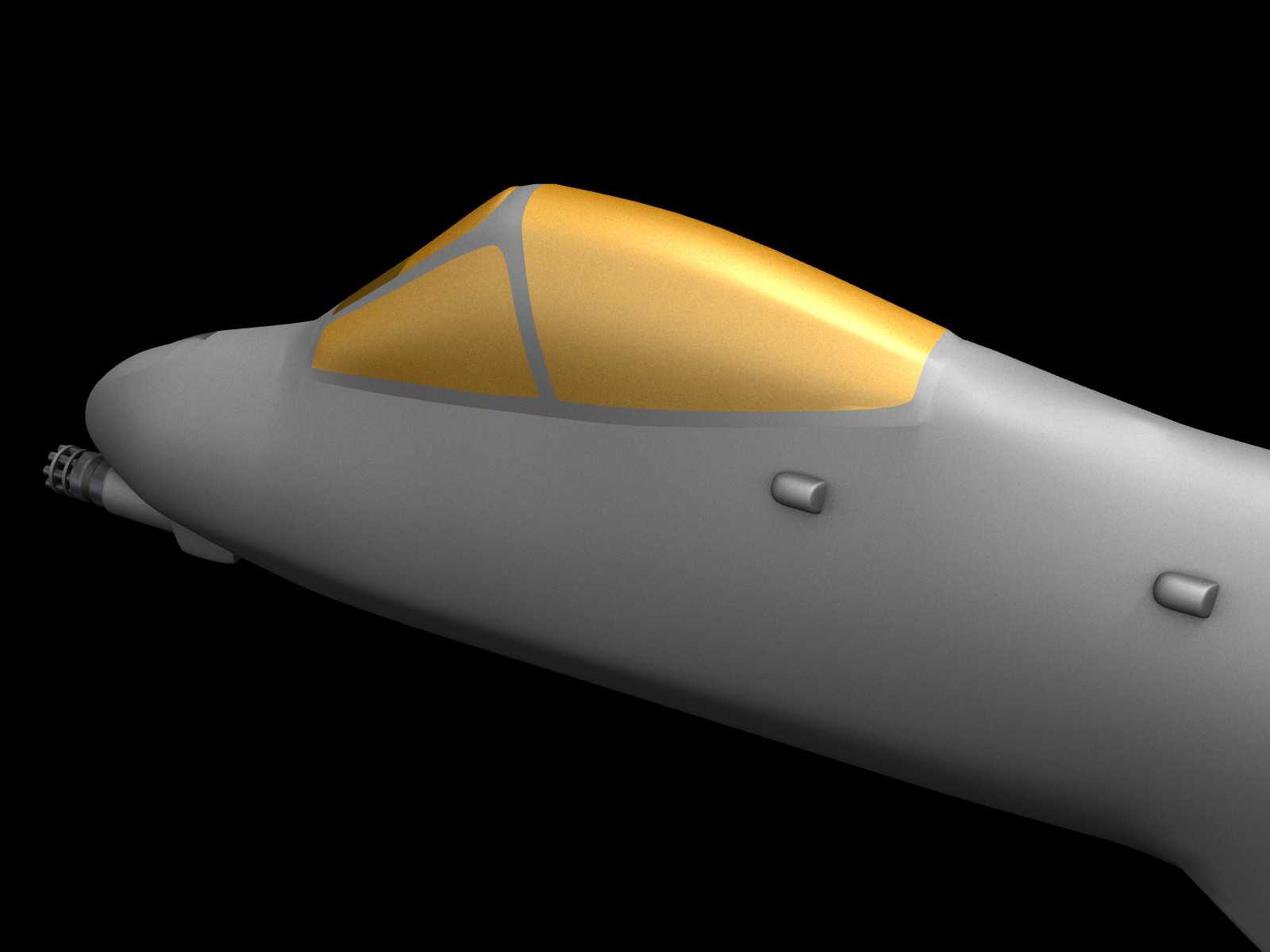
- 3DCG作品
- 戦うイボイノシシ 2
- (2026-07-26 06:30:05)
-
-
-

- パソコンサポーターがすすめるパソコ…
- 【東芝】[Windows XP Office 2003…
- (2026-05-18 20:23:17)
-
© Rakuten Group, Inc.
