The best Nintendo Switch 2 accessories in 2026
From pro controllers and cases to microSD Express cards and Joy-Con grips.
If you buy something through a link in this article, we may earn commission.

The Nintendo Switch 2 is an easy device to love: part modern Game Boy, part 4K gaming machine, part magical console that lets you play Mario Kart in the bathroom. Still, it doesn't come with everything you need right in the box. Thankfully, there's a whole world of accessories out there to help you complete the Switch 2 experience. To help you find gear that's actually worth your time, I've researched and tested tons of controllers, cases, microSD Express cards and other gadgets designed to work with Nintendo 's hybrid handheld. Here are the best Switch 2 accessories I've used so far.
In this story


Best Nintendo Switch 2 accessories
You can use Switch 2's Joy-Con controllers while the console is docked to a TV or monitor, but grabbing a dedicated gamepad will make your playtime much more comfortable. Nintendo's own Switch 2 Pro Controller is my favorite of those right now. Yes, it's overpriced at $90, and yes, its feature list isn't as extensive as some third-party options. But it does the essentials — comfort and feel — better than any other Switch 2 controller I've tried.
The delightfully soft matte finish running around the grips and back, buttery smooth joysticks and crisply tactile buttons give the device a luxurious sensation as soon as you hold it. The grips are on the skinnier side, but they haven't caused my hands to cramp over hours of play. There's a pair of mappable back buttons, a dedicated chat button and a built-in headphone jack too, while battery life is excellent at 40-plus hours per charge.
Would I buy this for other devices? Probably not: The d-pad still isn't the most precise for intricate fighting games and platformers, while the joysticks lack the drift-resistant tech used by some alternatives. But most people won't notice any of that. If you've got the cash, the Switch 2 Pro Controller is undeniably high-quality and tailor-made for everything the console can do. I often find myself wanting to play in docked mode just so I can use it again.
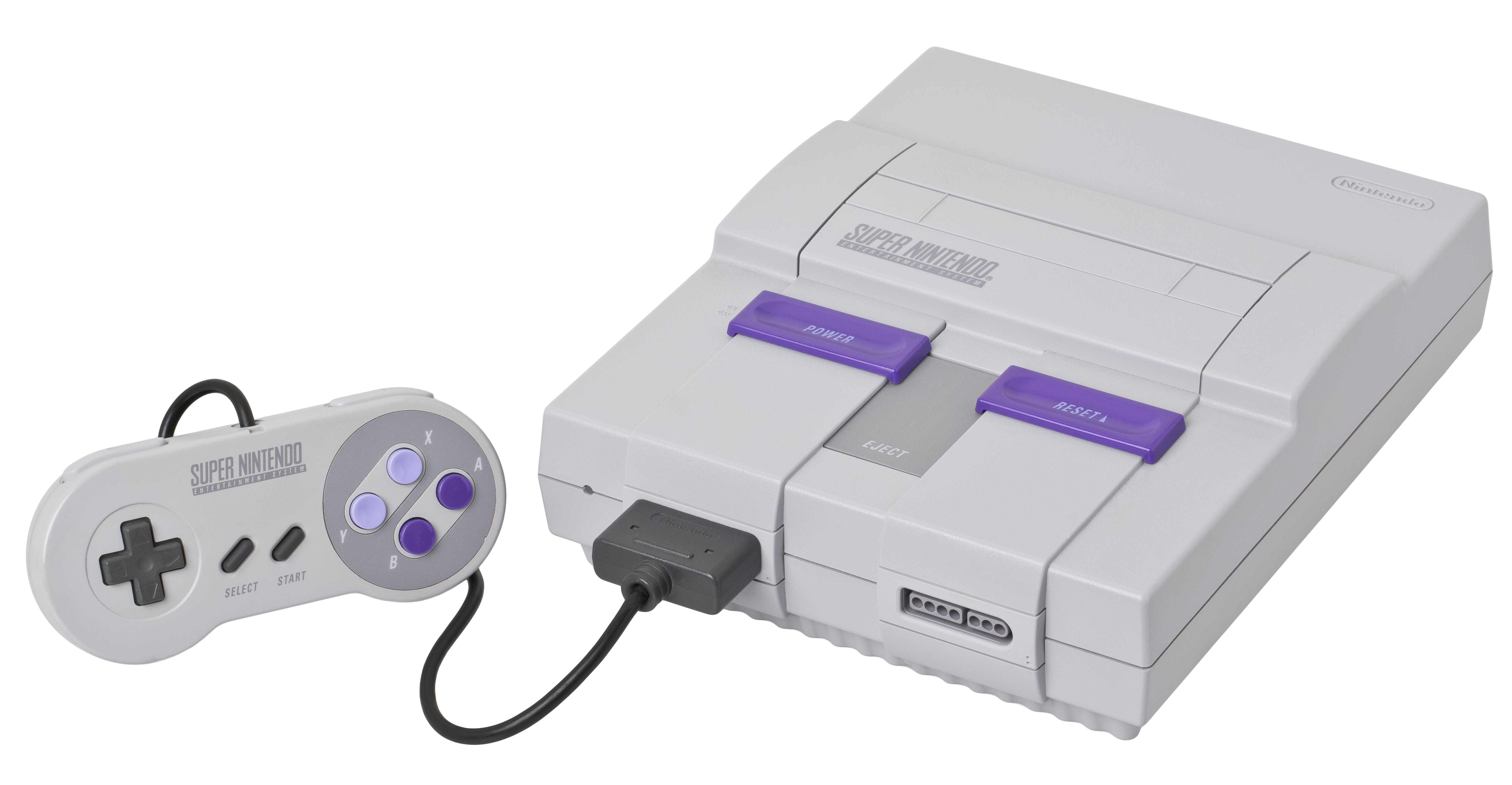
If you don't want to pay the premium for Nintendo's official Pro controller, the 8BitDo Pro 3 is a solid alternative that's often available for $20 to $30 less. It's shaped like a modern version of the old Super NES controller , with a tight d-pad, firm face buttons and a fun retro aesthetic regardless of which color scheme you choose. The rounded grips should fit most hand sizes comfortably, while the symmetrical joysticks should feel at home to those who prefer PlayStation gamepads over Xbox ones.
This has more features than Nintendo's controller too, with trigger locks, swappable joysticks and face buttons, TMR joysticks to resist drifting and four programmable buttons on the back and top. It comes with a handsome charging dock, while 8BitDo's app lets you customize things like vibration and joystick sensitivity. The Switch 2 Pro Controller still feels more premium, as the Pro 3 is more obviously made from hard plastic and its face buttons have a harsher clicky sound. There's also no headphone jack, GameChat button or amiibo scanning , and you have to do a goofier " shake " motion to wake the console from sleep. But if you want one controller you can use across Switch and PC, the Pro 3 is sturdy and admirably versatile.
Nintendo sells a range of old-school controllers designed to work with the retro console apps included with a Switch Online subscription. All of them are great, but I'm specifically highlighting the GameCube pad because it's the only one that's exclusive to the Switch 2, and because it's truly a perfect replica of one of the company's most iconic designs. The nubby C-stick, the stiff Z button, the analog triggers that make a small thud when fully pressed — it's all built like it was in 2001. If anything, the d-pad is less mushy. And while it's cliche to say that some games are "meant to be played" with certain hardware, that's absolutely the case here. This thing was just too idiosyncratic for games like The Legend of Zelda: The Wind Waker or Luigi's Mansion to map 100% neatly to modern gamepads.
Any issues have less to do with the actual hardware than everything around it. You need a Nintendo account to even buy the device, for one, while the GameCube app only has nine games as of this writing. Most of those are a joy, but you really have to sink some time into them to justify spending $70 on a replica gamepad.
Any number of Switch 2 cases can do the job, but if you're looking for something without much bulk, TomToc's slim case is a commendable blend of protection and portability. I've found its hard outer shell to hold up perfectly fine against drops off the couch or simply being jammed in a crowded backpack over long car rides. The interior uses a gentle felt-like material and has a small cushion at the top to help keep the console steady without putting undue pressure on the top buttons.
You can store 12 game cartridges in a padded board at the center, the underside of which is especially soft and gives further cover to the Switch's display. The whole design is less than two inches thick, so it's easy to stick in a bag, and while it's molded to fit around the console's joysticks and face buttons, it's not so tightly wrapped that it puts those elements at risk. It also comes in a few colors, plus it's affordable, often selling for less than $30.
A good screen protector can help guard the Switch 2's display from nicks, smudges and annoying micro-scratches. There's a million of these out there, but I'm fond of this tempered glass option from JSAUX . It comes with a helpful set of cleaning materials for prepping the display and an alignment tray that makes the actual installation neat and tidy. Getting any of these things on can feel sort of like defusing a bomb, but if you do mess up, there's a second protector in the box as well. The glass itself has a smooth matte texture that's pleasing to my eyes and indeed reduces any glare from direct light, making it particularly convenient for playing on the go. It also helps minimize fingerprint smudges.
The matte finish gives the Switch 2's display a slightly different look, though. If you'd prefer a clearer protector that won't affect the screen's natural colors and brightness levels as much — even if it's less adept at fighting glare — my colleague Sam Chapman recommends this glossy model from amFilm . It's another one that comes with an installation tray and a backup protector in the box. Best of all, both options are usually available for less than $10.
The Switch 2 comes with 256GB of built-in storage, but since many of its games have larger file sizes, you're likely to fill up that space quickly. If you don't want to delete and redownload games on the regular, you'll need a microSD Express card to add room. I've tested a bunch of these for our guide to the best Switch 2 microSD cards and found they all tend to perform similarly within actual games — not exactly the same, especially with more demanding loads, but close enough. So your best bet is usually to just buy the least expensive card you can find that's available in the capacity you want and comes from a reputable brand.
If you just want a simple recommendation right now, try the PNY microSD Express Card . It was technically one of the fastest cards in our in-game benchmarks, it's available in sizes up to 1TB and it's priced about in line with most other options on the market. It's given us no issues after months of use, but it also comes with a lifetime limited warranty on the off chance things go south.
While the global chip shortage has caused all microSD cards to rise astronomically in price over the last several months, as of this writing the 512GB version of the PNY card specifically is a bit less expensive than similar options like the Lexar Play Pro (our previous pick). The only catch is that this is the slowest card we've tested when it comes to transferring games to the card itself; that's annoying, but it's not so bad that it's worth paying significantly extra.
If you just want to pay as little as possible for extra Switch 2 storage, consider the Onn microSD Express Card . While it's not quite as fast as the PNY microSD Express Card for moving games to system storage or loading especially intense areas in games like Cyberpunk 2077 , it'll get close enough for most people, and it's usually cheaper. The 512GB model is a particularly strong value at $85 when it's in stock. This is a rebadged card from Walmart's in-house electronics brand, and it's only backed by a one-year warranty, so there may be some added risk of failure down the road. That said, I haven't seen any reasons to worry after months of my own testing, nor could I find many complaints from user reviews around the web.
The Switch 2 is impressively slim and light for a device as capable as it is, but it's still a big slab with a flat back, so it's not the most ergonomic thing to hold for hours at a time. Using one of the controllers above is one way to fix that, but if you want to stay in handheld mode, you can get something like Dbrand's Joy-Lock grips . These are little textured molds that fit snugly around each Joy-Con and give your hands a much fuller and more natural place to grab. They really help balance the console's weight distribution: Instead of bending your wrists too far inward or resting the Switch on your pinkies, you just wrap your middle, ring and little fingers around the grips and let your palms do more of the lifting.
There are a few caveats. The grips make the L and R buttons feel slightly recessed, for one — not unusable, but not ideal. Actually buying them is convoluted too: They're technically part of a larger case system, so you'll have to select the "I don't need the Case" option at the bottom of Dbrand's store page to buy them separately for $20. If you don't buy that case, though, you'll still need one that's large enough to accommodate the console while the grips are attached. I've found this $30 Savage Raven model to work fine.
We've also tested a few larger grip cases and shells that cover the Switch 2's "body" alongside the Joy-Cons, but we haven't found one that we really love just yet. Belkin's Gaming Grip is a good case study here: It fits the console well, makes the Joy-Cons more natural to grip and leaves ample room 2for all of the console's features. For $40, it's fine if you really want a more full-coverage solution than the Dbrand grips above. But like many of its peers, it adds enough bulk to make the Joy-Cons feel wobbly and it's a bit too snug for comfort within the console's dock. This model also makes it difficult to connect USB cables and accessories to the dock while it's attached.
The Anker Nano Power Bank is a flexible portable battery that can keep the Switch 2 powered up when you're out of the house. It's not the fastest or most spacious power bank, but it delivers up to 30W of power — more than enough to refill the console at max speed in handheld mode — and its 10,000mAh capacity can supply a full charge to the device.
The main appeal is that it's compact, measuring a little over four inches tall and one inch thick, and versatile, as it has a USB-C cable and a foldable wall plug built right in. The latter means you can pop it into an outlet and use it like a normal power brick with other devices, though you'll still want to use the faster wall charger Nintendo includes with the Switch 2 for docking the console to a TV. There's also a useful display that tells you how much juice the battery has left, plus an open USB-C port, so you're not completely out of luck if the built-in cable ever breaks.
If you want something a little smaller, Anker also sells a newer Nano model with a retractable USB-C cable and a USB-A port. It's about three inches tall and supplies up to 45W of power, though that extra juice is slightly overkill for the Switch 2, there's no wall plug, and the battery itself is a bit thicker. It's also $10 more expensive as of this writing — but it's a good alternative nonetheless.
If you love your current headphones and don't care about having a built-in mic for party chat, there isn't a huge need to buy a dedicated gaming headset — your existing pair will largely work fine. But if you're looking for a new set anyway, the Turtle Beach Atlas Air is a standout. It's one of the few wireless headsets with an open-back design, which helps it create a wider and more spacious sound than most competitors. Games like Metroid Prime 4 and Resident Evil Requiem sound like they're happening around you instead of feeling confined to a box on your ears. The design is exceptionally light and comfy beyond that, while the detachable boom mic is plenty clear. Battery life is solid at 50-60 hours too.
The downside is that all open-back headsets leak and let in tons of noise, so you'll want to use the Atlas Air at home, not out and about. You'll also need to connect over Bluetooth when using the Switch 2 in handheld mode, which could introduce some latency. (That said, the included USB-A dongle provides a steady connection when you have the console docked, and you can also use a 3.5mm cable.) Regardless, this is a uniquely convenient pick for those who need a full-on headset and care about audio quality first and foremost.
If you'd rather buy a more compact set of wireless earbuds, check out the SteelSeries Arctis GameBuds . Unlike typical in-ear options, this pair can connect directly to the Switch 2 over an included wireless dongle, making it far less likely to introduce debilitating audio lag in fast-paced multiplayer games. At the same time, it also works over Bluetooth, so you can connect it to your phone and use it like any other pair. The built-in mic is alright, and SteelSeries' companion app includes hundreds of custom EQ presets that are tailored specifically for popular games.
The buds themselves are comfier than most in-ear headphones I've tested; they sit fairly deep, but their light weight and soft ear tips keep them from creating too much pressure. While they don't sound as rich as Apple's AirPods Pro 3 , they still come off as balanced across different games and musical genres. Likewise, its active noise cancellation isn't the most effective but still more useful than not. The transparency mode fares better, while battery life is satisfactory at 8-10 hours over the 2.4GHz dongle. The on-board controls will take some time to get the hang of, though.
Should you buy a third-party dock for the Switch 2?
While there are alternatives to Nintendo's official Switch 2 dock that can output video from the console to a TV or monitor, I'm not fully comfortable recommending them right now. Most of the third-party options I've seen come from lesser-known brands, and there's always some risk of a firmware update rendering them temporarily inoperable .
You can still take the plunge if you want, but I'd recommend just buying a second official dock if you need one for travel or a separate room. It's annoying: Nintendo's model is bulky and expensive at $125, and the whole promise of USB-C is that everything with the port should just work interchangeably. But going the official route is the only way I can guarantee you won't run into pain points in the future. If nothing else, the Switch 2 dock is a decent upgrade from the last-gen version, as it's less clumsy to open up and can actively cool itself.