This article explains how to use demo ads and test devices to thoroughly test your ads.
On this page
Test your ads
During app development and testing, use demo ads or test devices to verify your implementation code without violating AdMob policy.
Testing that your ads are implemented correctly is an important step in your app development. However, publishers may not click on their own production ads, even for testing purposes. Clicking on production ads can result in a policy violation for invalid traffic .
Demo ads
The quickest way to enable testing is to use the Google-provided demo ad units. With demo ads, you don’t have to create your own ad unit to test your app. The Google-provided demo ad units are not associated with your AdMob account, so there's no risk of your account generating invalid traffic when using these ad units.
When you use the Google-provided ad unit IDs, demo ads will always fill. The demo ad unit IDs are available on Google Developer for Android and iOS .
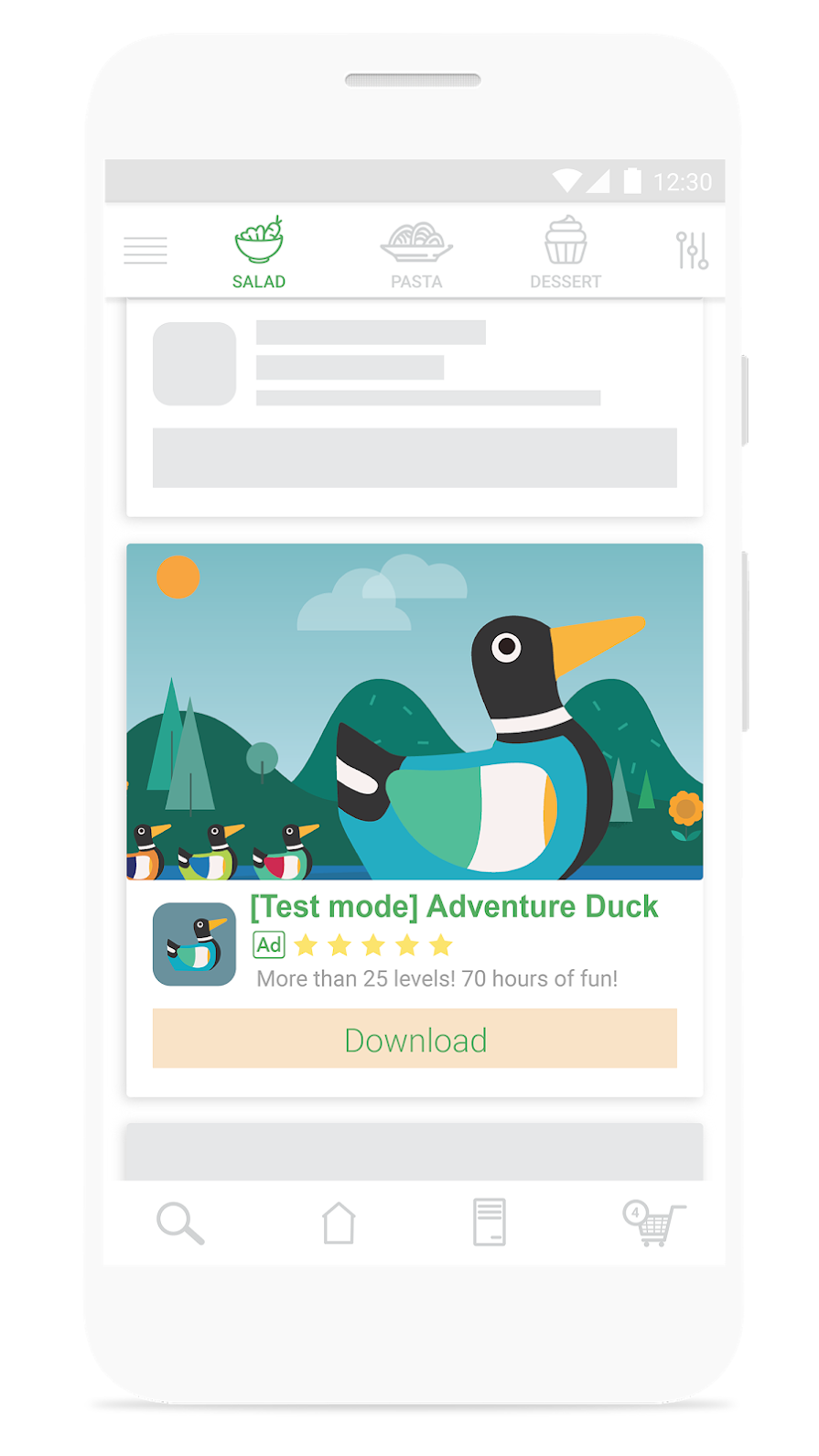
Click to view an example demo ad

Test apps
Test apps allow you to efficiently test your implementation code by returning production-looking ads in test mode to specific versions of your app, without the need to register individual test devices. You can easily specify an app and an app version to enable test mode for your own ad unit IDs.
When you configure a test app, the AdMob Network sends production ads in test mode to any device running that specific app version. This lets you safely test production ads and verify your implementation code without violating AdMob’s invalid traffic policy.
Test devices
Test devices allow you to more rigorously test your implementation code by returning production-looking ads in test mode to your app. You can configure your device as a test device and use your own ad unit IDs that you've created in your AdMob account.
When you enable a test device, the AdMob Network sends production ads in test mode to your device using the ad unit IDs you've created in your AdMob account. This lets you safely test production ads and verify your implementation code without violating AdMob’s invalid traffic policy.
Ads in test mode
Ads served by the AdMob Network will display a label that lets you know you’re in test mode. Look for the test mode label beforeclicking on an ad. Clicking on production ads can result in a policy violation for invalid traffic . Learn more about using mediation and test devices .