YouTube dynamically adjusts your video to fit the viewer’s device without stretching or cutting off your content. This article will give you recommendations on how to build your video ad for optimal video performance and help you understand YouTube's ad requirements to avoid common policy violations.
On this page
- Specs for all YouTube formats and campaign types
- Specs for YouTube thumbnails and companion banners
- Universal safe zones for video ads on YouTube
Specs for all YouTube formats and campaign types
1080p (Full HD)
Recommended pixels (px) for HD:
- 1920 x 1080px (horizontal)
- 1080 x 1920px (vertical)
- 1080 x 1080px (square)
720p (Standard HD)
Minimum px:
- 1280 x 720px (horizontal)
- 720 x 1280px (vertical)
- 480 x 480px (square)
Minimum px for SD:
- 640 x 480px (horizontal)
- 480 x 640px (vertical)
- 480 x 480px (square)
- 16:9 for horizontal
- 9:16 for vertical
- 1:1 for square
- 4:3 (SD) for horizontal
- 2:3 for vertical
- 4:5 for vertical
Specs for YouTube thumbnails and companion banners
Thumbnails
| Recommended | Can also accept | |
|---|---|---|
|
Resolution
|
1280 x 720px |
1280 x 640px (minimum) |
|
Aspect ratio
|
16:9 | |
|
Format
|
.JPG, .GIF or .PNG | |
|
File size
|
<2MB for videos; <10MB for podcasts |
Companion banners (for desktop only)
| Recommended | |
|---|---|
| Dimensions | 300 x 60 |
| Format | JPEG, GIF, PNG |
| File size | 150kb (maximum) |
Universal safe zones for video ads on YouTube
Overlays, call-to-actions, and buttons may appear in different places depending on the format, campaign type, and screen.
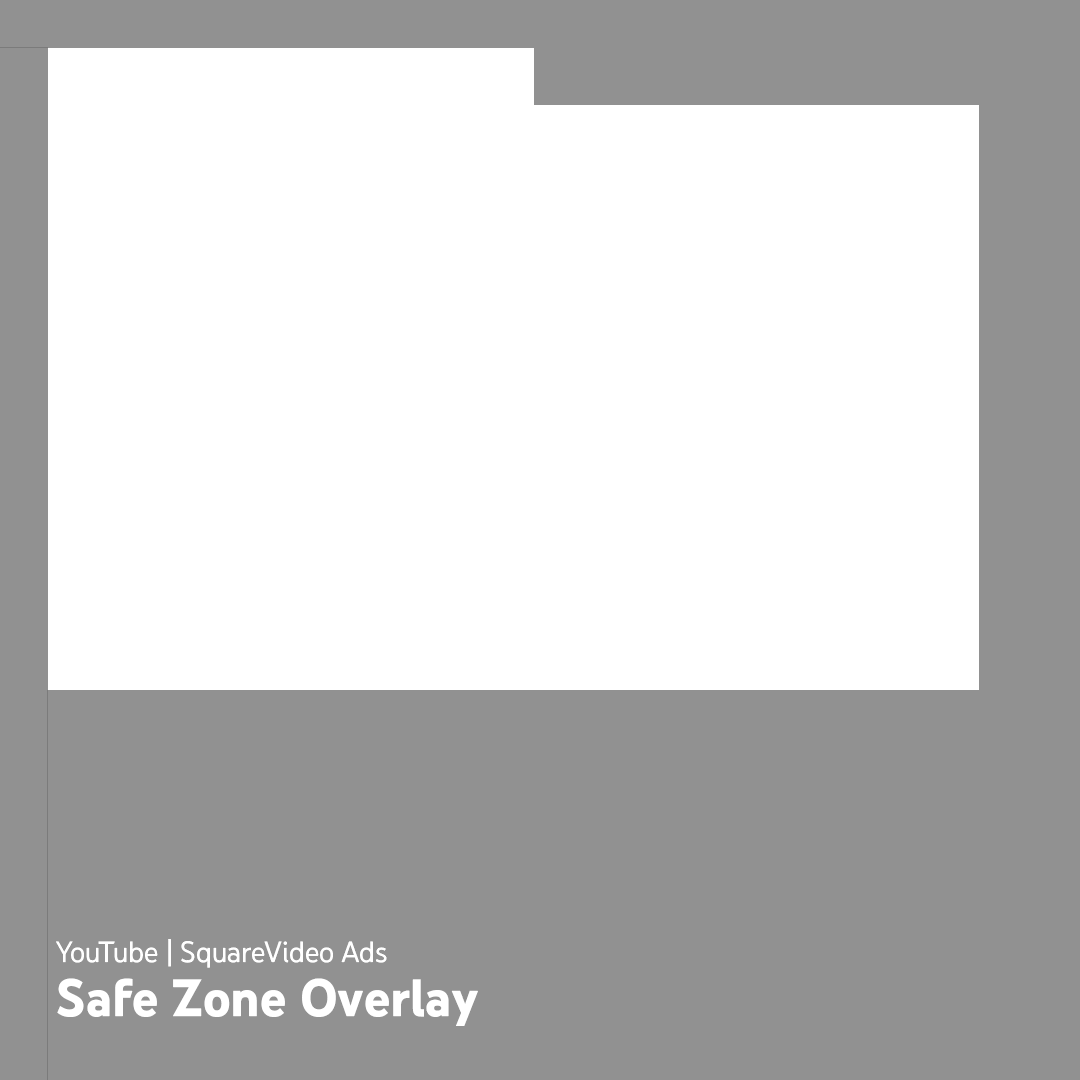
Use these images as a reference to ensure important elements like your logo, product, supers, and others are within the red safe area to avoid risk of elements being covered within certain inventory or download transparent PNG templates for horizontal , vertical , and square videos.