Skip to content
new ogbongeblog logo
  • Advertise
  • Blog
  • Contact

How To Make 728 by 90 Ad Banner Show At Center Of Blogger Blog Header

August 11, 2016

·

Uncategorized
jidetheblogger Avatar
jidetheblogger

By default, if you add a 728×90 ad banner to a Blogspot blog’s header, it will appear by the left hand side. You can easily make it to appear at the center of your blog’s header but how you will do that, depends on how you’ve added the banner to your blog.

If you’ve added it using the Blogger HTML/Javascript gadget, you can wrap up the banner code with the HTML <center> Tag i.e add <center> at the beginning of the code and </center> at the end of the banner code.

i.e

<center>

BANNER CODE HERE

</center>
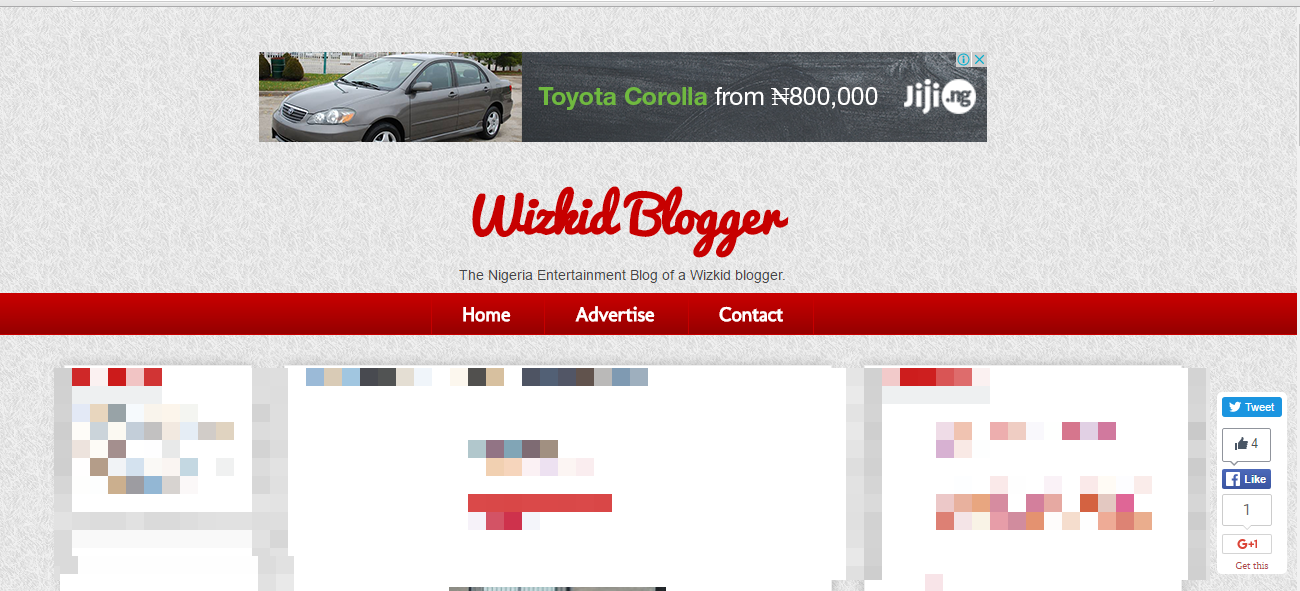

center ad banner in blogger header


If you’ve added the banner using the Blogger Image widget, you will have to get the ID of the widget and use the CSS text-align property to make it appear at the center.
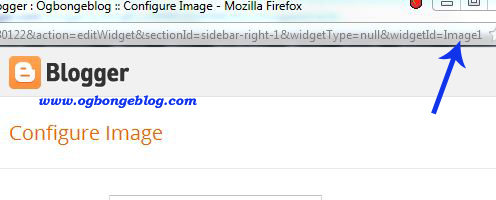
get Blogger widget id

Read how to get Blogger widget ID here .

Once you have the widget’s ID, you can edit the css below, copy and paste in the css section of your Blogger blog.

#Image1 {
text-align:center;
}

To add the css to your blog’s html,

==> Go to “Template” > “Customize” > “Advanced” > “Add CSS”. Click on it.
==> A box will appear by the right hand side. Copy and paste the code in it
==> Click “Apply to Blog” by the top right hand corner.

That’s all.

NB : The HTML Center Element (<center>) is not supported in HTML5. So, if it doesn’t work for you or it stops working for you later, you can try using the CSS text-align property as explained above.

Recommended :    How To Place “Advertise Here” Banner on Blogger blog .

Please Share :
blogger tips blogspot tutorials

Like What You Read?

Sign Up to get similar articles delivered to your email inbox.

Leave a Reply Cancel reply

Your email address will not be published. Required fields are marked *

3 responses to “How To Make 728 by 90 Ad Banner Show At Center Of Blogger Blog Header”

  1. James Avatar
    James
    August 12, 2016

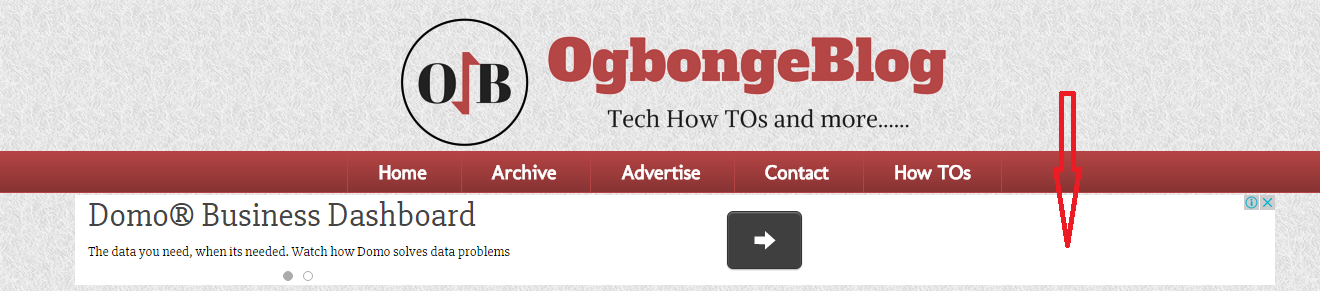
    Hello Jide thanks for sharing. However, i've been wondering how you were able to implement the above one under the nav bar and the one after post paragraph in mobile view. See screenshots Here and Here

    Loading…
    Reply
  2. Entertaintechnews Avatar
    Entertaintechnews
    August 15, 2016

    Yes, it worked for me. Check it out here http://www.entertaintechnews.com
    Thanks alot Engr Jide

    Loading…
    Reply
  3. Anonymous Avatar
    Anonymous
    August 17, 2016

    Nice, very informative I will try in on my blog techconstant.com

    Loading…
    Reply

WANT TO ADVERTISE?

Chat on WhatsApp

RELATED POSTS

  • How I Make Adsense Responsive Ad Code To Display 300×250 Banner On Mobile
  • How To Centralize Title and Description of Blogger Blog ( +Video tutorial)
  • How To Add Logo to Blogger Blog

FEATURED


  • CREDICORP launches C.L.I.C.K.D. Scheme with FG’s 3MTT Programme, expanding affordable consumer credit for locally-assembled laptops and devices for digital workers

    CREDICORP launches C.L.I.C.K.D. Scheme with FG’s 3MTT Programme, expanding affordable consumer credit for locally-assembled laptops and devices for digital workers

  • What Happens to Your Online Accounts When You Die?

    What Happens to Your Online Accounts When You Die?

JOIN AI WEB DESIGN GROUP


  • AI Website Design Training Whatsapp Group by Jidetheblogger

    AI Website Design Training Whatsapp Group by Jidetheblogger

← BollyWood Artists Storm Lagos For Festival of India
Warble Alerts : Email Notification Tool For Tracking Twitter Hashtags, Keywords etc →

Join 25,000+ subscribers

Receive our latest blog posts in your inbox.

Search

Social

Facebook

Instagram

Twitter

new ogbongeblog logo

Copyright © 2026 | About | Advertise | Featured | Sitemap | Privacy Policy | Powered by WordPress

Your cart (items: 0)

Products in cart

Product
Details
Total
Subtotal ₦0.00
Shipping and discounts calculated at checkout.
View my cart
Go to checkout

Your cart is currently empty!

Start shopping

Notifications

%d

    LIKE My Fan Page

    Privacy Policy | Copyright © 2012,OgbongeBlog.All Rights Reserved. Powered by Blogger .
    Create a Mobile Site
    View Site in Mobile | Classic
    Share by: