

Get started
Before you can try the sample code, you must configure your development environment. For more information, see Set up a Flutter project .
View the code
Dart
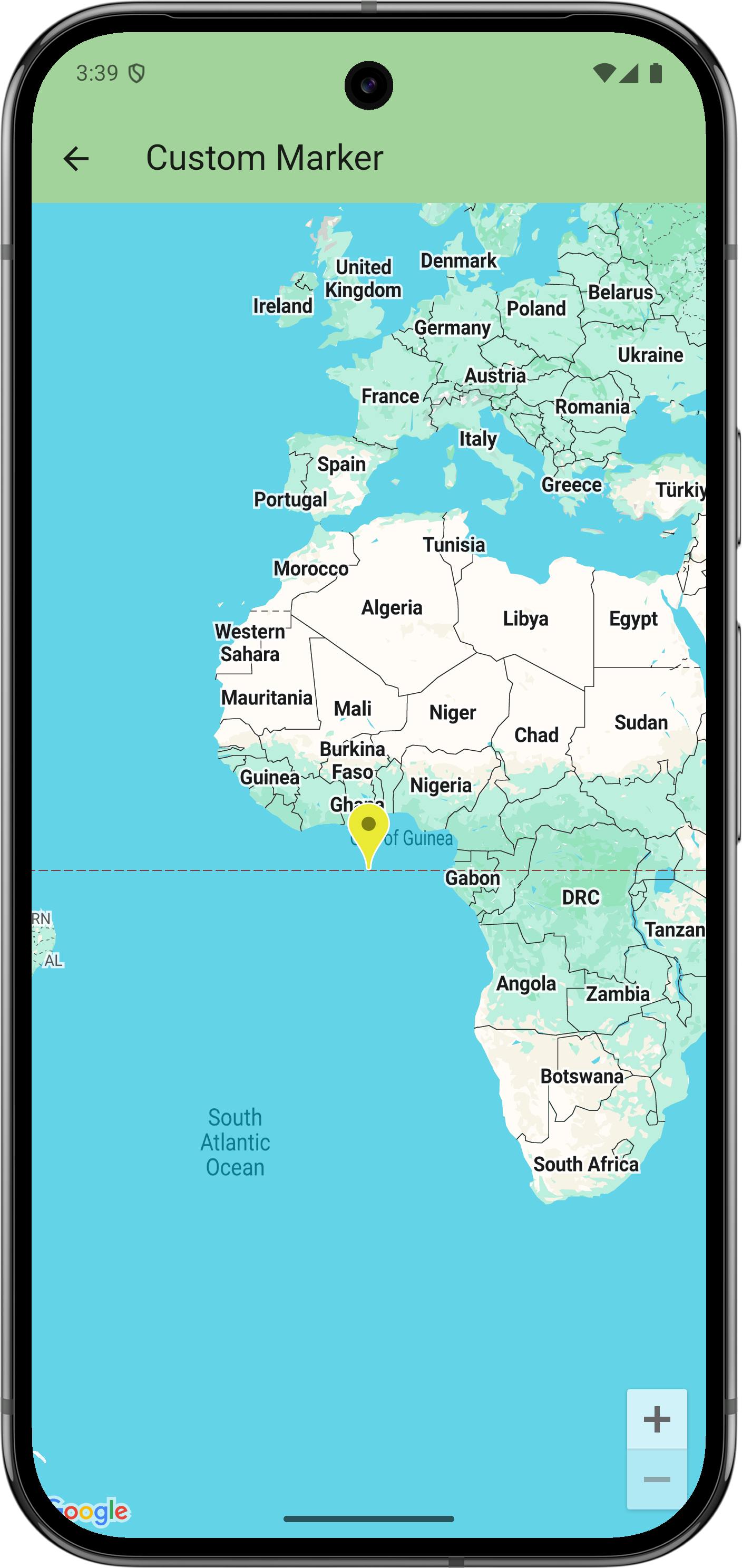
// Copyright 2025 Google LLC // // Licensed under the Apache License , Version 2.0 ( the "License" ); // you may not use this file except in compliance with the License . // You may obtain a copy of the License at // // https : // www . apache . org / licenses / LICENSE - 2.0 // // Unless required by applicable law or agreed to in writing , software // distributed under the License is distributed on an "AS IS" BASIS , // WITHOUT WARRANTIES OR CONDITIONS OF ANY KIND , either express or implied . // See the License for the specific language governing permissions and // limitations under the License . import 'package:flutter/material.dart' ; import 'package:google_maps_flutter/google_maps_flutter.dart' ; /// Shows advanced options of markers . class CustomMarkerSample extends StatefulWidget { const CustomMarkerSample ({ super . key }); @override State<CustomMarkerSample> createState () = > _CustomMarkerSampleState (); } class _CustomMarkerSampleState extends State<CustomMarkerSample> { late Marker _marker = Marker ( markerId : MarkerId ( 'my_marker' ), // Start with the default Google Maps pin , except yellow . // ( Note : Hue isn 't supported on all platforms.) icon : BitmapDescriptor . defaultMarkerWithHue ( BitmapDescriptor . hueYellow ), onTap : _changeIcon , ); @override Widget build ( BuildContext context ) { return GoogleMap ( initialCameraPosition : CameraPosition ( target : LatLng ( 0 , 0 )), markers : { _marker }, ); } void _changeIcon () async { // Set up the image configuration for the new icon , including its size . final imageConfiguration = createLocalImageConfiguration ( context , size : Size ( 42 , 52 ), ); // Load the icon image from an asset . // Alternatively , you can create the icon with BitmapDescriptor . bytes (), // which allows loading from network or using a CustomPainter . final assetIcon = await BitmapDescriptor . asset ( imageConfiguration , 'assets/icon_flutter.png' , ); setState (() { // Modify the existing marker with the new icon and set its anchor // to center . _marker = _marker . copyWith ( iconParam : assetIcon , anchorParam : const Offset ( 0.5 , 0.5 ), ); }); } }
Next steps
View the complete set of samples on GitHub:
Alternatively, clone the full set of samples to run them locally by executing the following commands:
git clone -b flutter_samples https://github.com/googlemaps-samples/flutter-maps-samples.gitcd flutter-samplesflutter pub get
