

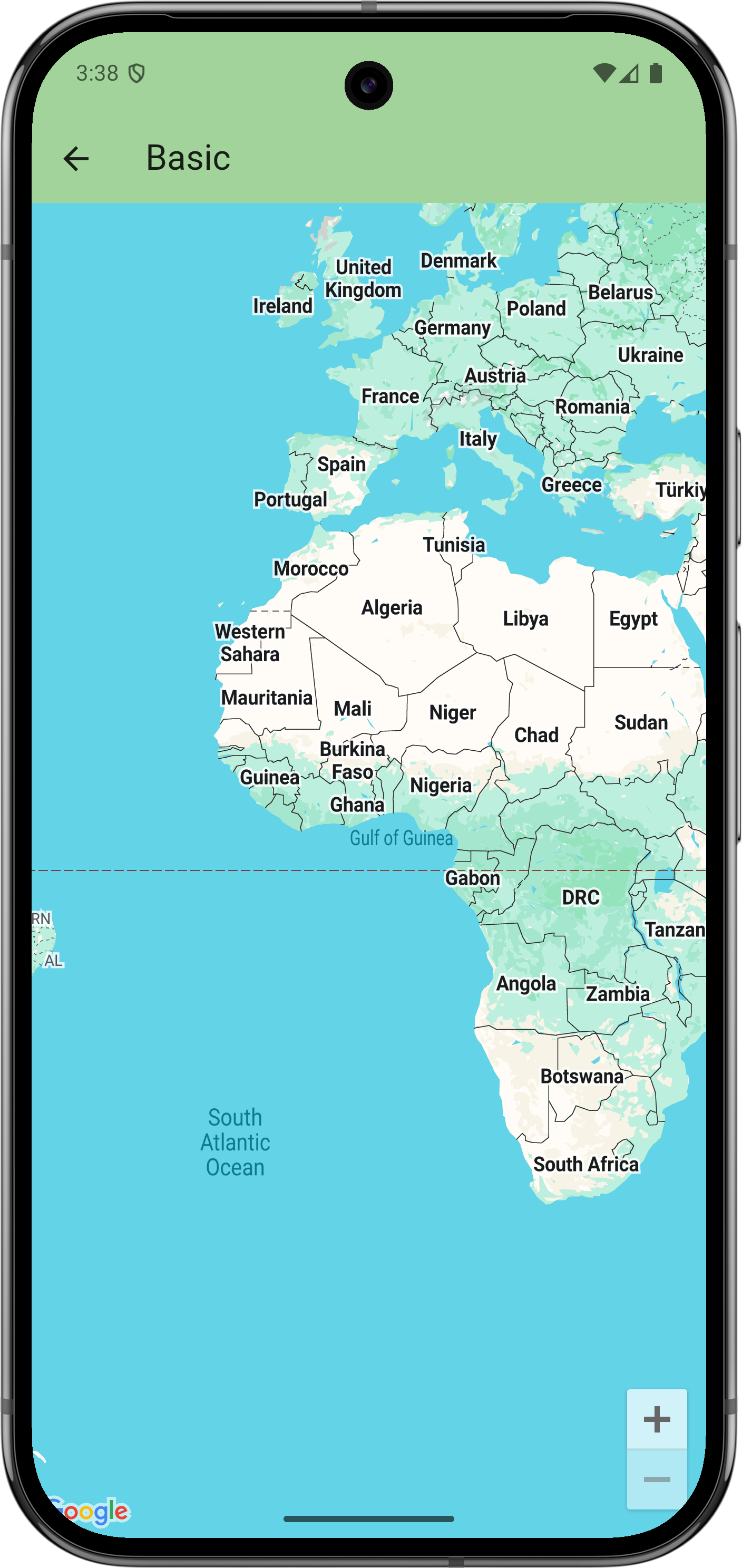
Get started
Before you can try the sample code, you must configure your development environment. For more information, see Set up a Flutter project .
View the code
Dart
// Copyright 2025 Google LLC // // Licensed under the Apache License , Version 2.0 ( the "License" ); // you may not use this file except in compliance with the License . // You may obtain a copy of the License at // // https : // www . apache . org / licenses / LICENSE - 2.0 // // Unless required by applicable law or agreed to in writing , software // distributed under the License is distributed on an "AS IS" BASIS , // WITHOUT WARRANTIES OR CONDITIONS OF ANY KIND , either express or implied . // See the License for the specific language governing permissions and // limitations under the License . import 'package:flutter/material.dart' ; import 'package:google_maps_flutter/google_maps_flutter.dart' ; /// This example creates a map using the [ GoogleMap ] widget . class BasicSample extends StatelessWidget { const BasicSample ({ super . key }); @override Widget build ( BuildContext context ) { return GoogleMap ( // The only required argument is the initial position . initialCameraPosition : CameraPosition ( target : LatLng ( 0 , 0 )), ); } }
Next steps
View the complete set of samples on GitHub:
Alternatively, clone the full set of samples to run them locally by executing the following commands:
git clone -b flutter_samples https://github.com/googlemaps-samples/flutter-maps-samples.gitcd flutter-samplesflutter pub get
