
Equitable Access to Learning through FCPSOn
Transforming teaching and learning to prepare students for the future
Students in Fairfax County Public Schools (FCPS) use technology to help them learn in many different ways. Since every student learns best in a unique way, technology offers tools that can help everyone.
- Visual Learners might use tablets to watch educational videos or see diagrams and simulations.
- Auditory Learners can listen to audiobooks or recorded lectures and participate in online discussions.
- Kinesthetic Learners (those who learn by doing) can engage with interactive learning games, virtual labs, or coding projects.
FCPSOn ensures access to computers is always available, both in class and at home. This allows everyone to use these tools. Staff professional learning throughout the year supports teachers in designing meaningful learning experiences that take advantage of these resources.
Today's students will be the workers of tomorrow. FCPSOn teaches them how to use technology in ways that will be helpful both in school and outside the classroom. Figure 1 shows elements of FCPSOn and how it supports teachers and students.
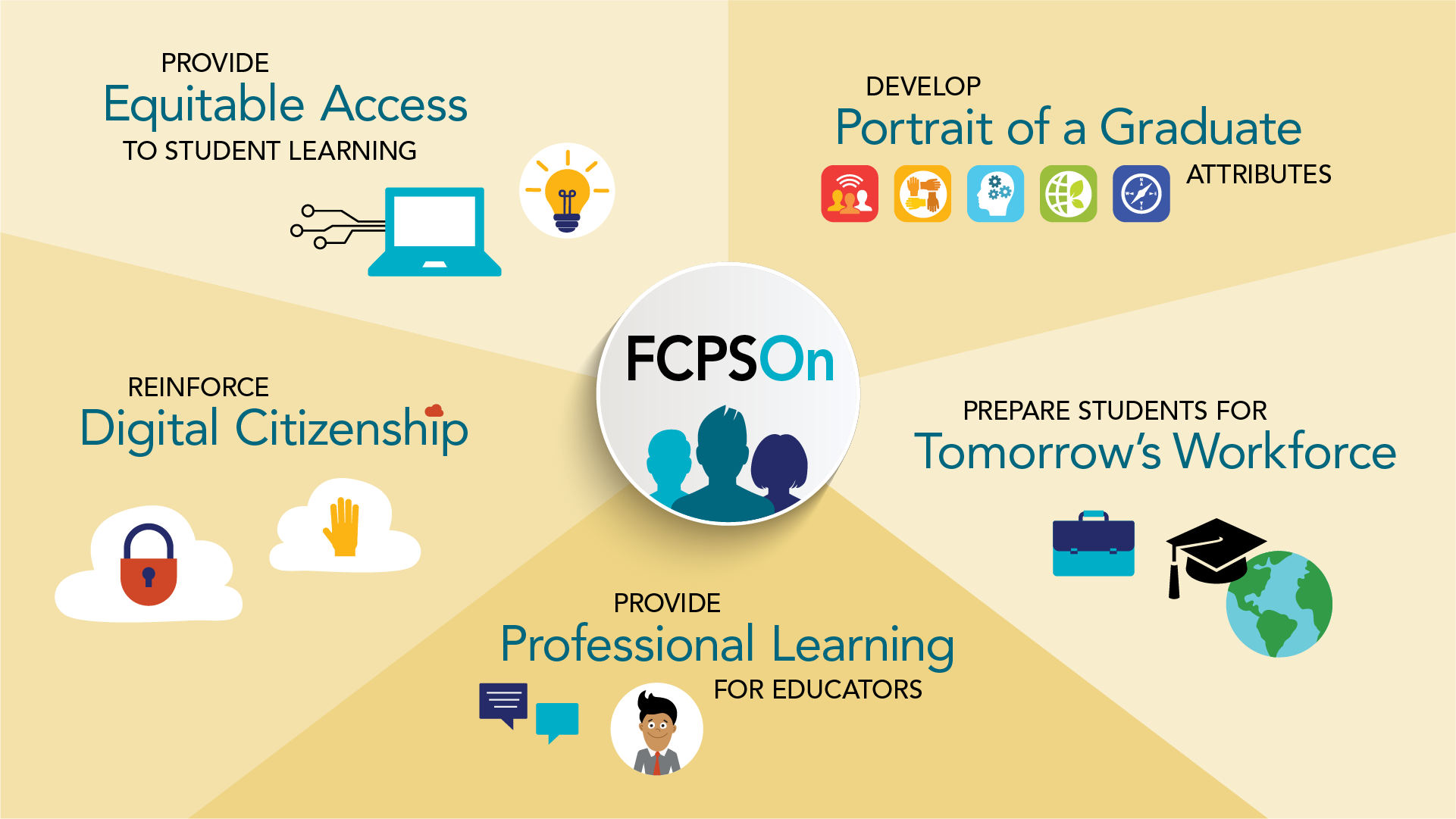
Figure 1: Elements of FCPSOn
Rationale for FCPSOn
Globally Connected World
Today's students live in a globally connected world. They communicate and work differently than they did in the past. They need content knowledge and Portrait of a Graduate skills like problem-solving and collaboration to succeed in future jobs. Students need content knowledge and Portrait of a Graduate skills like problem-solving and collaboration for future job success. The FCPSOn program helps students develop both of these.
Personalized Learning
- FCPSOn gives every student the same chance to use technology and learn in new ways. This leads to personalized learning, which means students can learn in a way that works best for them. This helps them understand what they are learning and build skills they'll need later in life.
- FCPSOn helps teachers create classrooms that are student-centered. The technology helps support learning. This gives teachers more time to focus on parts of teaching that create better results.
Digital Literacy
Digital Learning Integration Standards
FCPSOn helps students develop the skills they need. The Virginia Digital Learning Integration Standards (DLIS) outline the skills that students need. These standards emphasize the importance of:
- Being able to use technology for critical thinking and creativity.
- Demonstrating digital citizenship.
- Preparing students to thrive in a connected world.
Six of the seven DLIS directly support FCPS’s Portrait of a Graduate (POG) attributes. Figure 2 shows the alignment between these two programs.
Portrait of a Graduate and Digital Learning Integration Standards Alignment
Expand the accordion sections below to see more detailed connections between Portrait of a Graduate (POG) and the Digital Learning Integration Standards (DLIS).
Communicate clearly and express creatively using technology.
- Recognize the rights, responsibilities and opportunities in a digital world.
- Act in ways that are:
- Safe
- Legal
- Ethical
- Create new, useful, and imaginative solutions or iterations.
- Leverage technology methods to develop and test solutions.
- Customize learning environments to support the learning process.
- Set personal learning goals and develop strategies using technology to achieve them.
- Broaden perspectives and enrich learning by collaborating using technology.
- Work effectively in teams locally and globally.
Digital Citizenship
Digital Citizenship is the ability to use technology:
-
Responsibly
-
Safely
-
Respectfully
It includes the ability to think critically and practice healthy online habits.
FCPS has adopted the Shared Responsibility Model for Digital Citizenship. FCPS believes that using technology safely and respectfully is a shared responsibility. Teachers, parents, and students all work together to help students learn good digital habits.
Learn more about Shared Responsibility in FCPS
Digital Citizenship lessons are taught throughout the school year at all levels through:
- Advisory
- Morning meetings
- Various content units
Learn more about Digital Citizenship Lessons in FCPS
FCPS encourages technology usage in a way that keeps our minds, bodies, and feelings healthy. This means balancing:
- What we do online and offline
- Being safe and responsible on the internet
- Thinking about how screen time affects our mood
The Media Balance and Well-being Guide offers 9 key strategies to help us use technology in a healthy way.
FCPSOn in Practice
When FCPSOn began, the main goal was overcoming the Digital Access Divide by giving all students equal access to technology. This allowed teachers to provide meaningful learning experiences to all students using multiple strategies including digital tools as well as traditional paper, pencils, and sticky notes.
As FCPSOn continues to grow, our goals have expanded to focus on addressing all three digital divides as defined by the 2024 National Education Technology Plan (NETP) .
Digital Divides
Aims to move students from passive consumption to active engagement and creation using technology.
- Creating original works
- Collaborate with peers and teachers
- Peer edit and give and receive feedback using Google Apps for Education
- Communicating through:
- Schoology
- Fcpsschools.net email
- Recorded presentations
- Collaborating with other students and experts in the field on authentic projects and real world problems to create new and innovative solutions and ideas
Focuses on enhancing educators’ abilities to design effective learning experiences with technology.
- Supporting planning and reflection of student-created goals and teacher-directed learning outcomes
- Providing professional learning opportunities to build teacher capacity and innovation
Advocates for equitable access to technology for all students and educators to ensure everyone can participate.
- Accessing modern digital tools to explore and exchange ideas such as using video and audio capabilities to support learning and share ideas
- Ensuring design of accessible materials in digital spaces to minimize barriers
Read more about access to technology and how families can support students at home.
Schoology and FCPS G-Suite Education are two core instructional tools in the FCPSOn digital ecosystem that coexist and interact to impact how students learn, where students learn, and when students learn. Read more about Digital Resources .
Students, including students with an Individual Education Plan (IEP) , use a school issued FCPSOn computer. If a student is receiving Assistive Technology Services (ATS) , the school team works with the ATS resource teacher assigned to the school in order to determine what additional assistive technology might be required to meet the needs of the student.
There is no question that some students engage in distracting and inappropriate behavior with or without a device (calculators, personal cellphone, computers). FCPS schools use a Positive Behavior Approach to proactively plan for addressing behavior issues. Additional information about expectations for students can be found in the Student Rights and Responsibilities , FCPS Regulation 6410 and the Acceptable Use Policy for Student Network Access in Appendix section.
Supporting FCPS Strategic Plan Goals
FCPSOn provides tools to meet the goals in the Strategic plan. Goal 5 focuses on Leading for Tomorrow's Innovation. It says that every student will graduate ready to thrive in life after high school and with the skills to navigate, adapt, and innovate for a sustainable future. Digital literacy is one of the measures in Goal 5.
The FCPSOn approach helps reach the FCPS Strategic plan goals by:
- Making Learning Personal: When students can use devices at home and school, they can use learning programs that adjust to what they need.
- Building Portrait of a Graduate Skills: Using computers regularly helps students develop important skills for the future. They learn how to be good digital citizens, communicate with others, work as a team, and think critically.
- Closing the Technology Gap (Digital Divides): Giving students access to devices at home makes sure learning doesn’t stop at school.
- Keeping Learning Going: Students can keep working on schoolwork, finish homework, and find extra help whenever they need it.
